Microsoft 365 Copilot adoption: Tracking Metrics and Governance
Executives want proof that new AI tools drive measurable business value. Therefore, monitoring Microsoft 365 Copilot adoption from day one has become a board priority. Early pilots often excite staff, yet enterprise leaders still struggle to sustain momentum. In contrast, organizations that track clear KPIs see faster scale and stronger ROI. This article explains how to design, instrument, and act on an operational monitoring framework. We draw on Adoptify 365 AdaptOps playbooks and the latest Microsoft telemetry advances. Moreover, you will learn which metrics convince finance, HR, and security stakeholders. The goal is simple: move beyond vanity seat counts and link Copilot usage to real outcomes. Along the way, we will revisit Microsoft Copilot implementation pitfalls and practical countermeasures. Let us dive into the metrics that matter.
Microsoft 365 Copilot adoption
Successful Microsoft 365 Copilot adoption depends on more than licensing seats. Organizations need strategic alignment, user readiness, and disciplined measurement. Consequently, Microsoft Copilot implementation efforts should begin with a crisp problem statement and business hypothesis. What process will Copilot streamline, and which KPI will reveal success?
Furthermore, leaders must communicate that telemetry will remain aggregated and privacy-aware. This message reduces resistance and accelerates AI adoption in organizations already wary of monitoring. Without trust, tracking tools will backfire.
In summary, define the business problem and secure privacy commitments early. Next, translate goals into measurable indicators.
Why Tracking Really Matters
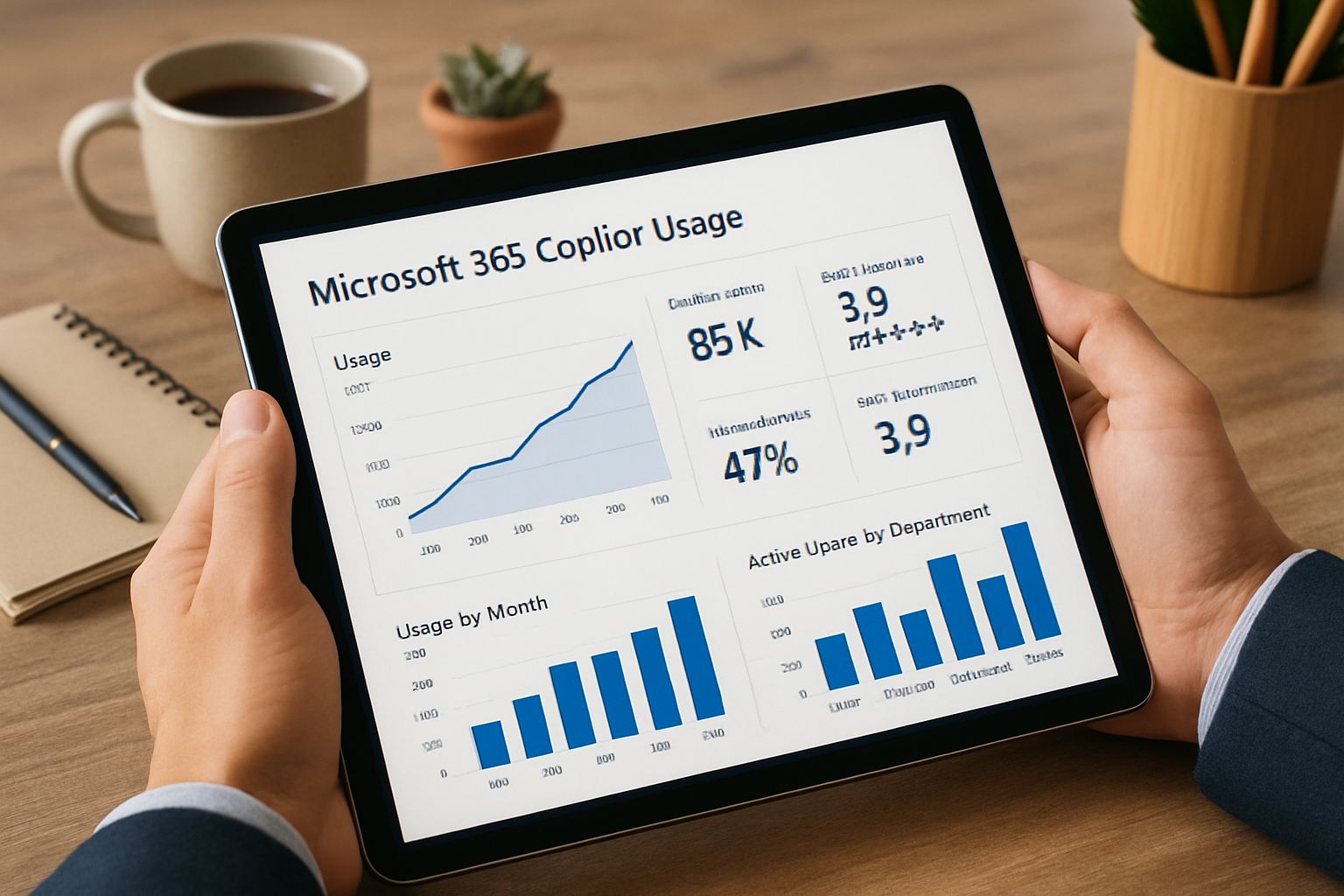
Data beats anecdotes when executives decide budget increases. Moreover, Copilot adoption tracking gives them near-real-time evidence of impact. The dashboard can reveal that proposal teams save forty minutes per document. Consequently, finance leaders may greenlight additional licenses within weeks.
Without numbers, skeptics will cite a low Copilot adoption rate and stall expansion. Therefore, weekly reports should connect Microsoft 365 Copilot adoption metrics with minutes saved and revenue proxies. Adoptify 365 surfaces these correlations through its Outcome Lens widget.
Meaningful tracking converts usage into persuasive budget stories. Next, identify which KPIs deserve executive focus.
Essential Copilot Adoption KPIs
Selecting too many metrics dilutes action. Instead, Adoptify recommends a compact, high-signal set. This list aligns with Microsoft Copilot utilization benchmarks and AdaptOps scorecards. Additionally, it mirrors analyst guidance from Forrester and Worklytics.
- Prompts per employee per month (beginner 15-30, intermediate 50-100, advanced 150+).
- Weekly Copilot minutes and Successful Session Rate (SSR).
- Active seat percentage and DAU/MAU ratio.
- Minutes saved per user each day.
- DLP incidents and message consumption against Capacity Packs.
Moreover, connect each metric to a business lever, such as onboarding time or vendor costs. That linkage turns Microsoft 365 Copilot adoption numbers into ROI narratives that resonate.
In short, fewer metrics with clear value signals beat sprawling spreadsheets. Next, gather trustworthy data sources.
Unified Enterprise Data Sources
Even perfect KPIs fail without reliable feeds. Therefore, teams should collect telemetry from the Microsoft 365 Admin Center, Copilot Studio, and Power Platform Admin Center. Additionally, network DLP and Entra web filters expose unsanctioned AI usage patterns. This integration improves Microsoft Copilot implementation speed because security sees complete risk posture.
Adoptify 365 offers out-of-box connectors that merge these sources into a privacy-aware data lake. Consequently, dashboard refresh cycles shrink to hours, not weeks. Meanwhile, managers view team-level insights rather than personal details.
Unified data reduces disputes and accelerates decision loops. Next, apply governance to preserve trust.
Governance, Security, Cost Controls
Strong governance enables scale without surprises. Furthermore, Purview DLP simulations detect sensitive prompts before rollout. Browser controls block shadow AI and support broader AI adoption in organizations. Additionally, Capacity Packs cap message costs and alert owners when thresholds near.
Adoptify provides policy templates mapping finance, HR, and legal risk tiers. Consequently, Microsoft Copilot utilization grows while security retains clear oversight. Governance data also feeds Copilot adoption tracking dashboards to highlight incidents per week. Ultimately, sustained Microsoft 365 Copilot adoption requires governance harmony.
Effective controls unblock scale and avoid cost overruns. Next, formalize a pilot cadence.
Pilot To Scale Playbook
A predictable cadence converts experimentation into enterprise capability. Adoptify’s AdaptOps loop structures week-zero baselines, a week-four review, and a week-six scale decision. During each checkpoint, showcase Copilot adoption rate alongside minutes saved and SSR. Moreover, include Microsoft Copilot implementation milestones, such as Purview approvals and license allocations.
If SSR falls below 60%, trigger targeted enablement for that team. Conversely, high prompts yet low minutes saved suggest poor Microsoft Copilot utilization quality. Adoptify flags these patterns and schedules micro-learning nudges within Teams.
Structured gates keep momentum and evidence aligned. Finally, translate insights into financial value.
Linking Usage To ROI
Finance cares about net value, not prompt counts. Therefore, convert minutes saved into monetary terms using loaded labor rates. Forrester TEI shows composite organizations gaining a 216% three-year ROI from mature Copilot programs. Additionally, track external spend avoided, such as reduced contractor hours.
Adoptify’s Outcome Lens automatically maps each KPI to revenue or cost centers. Consequently, leaders see variable Copilot adoption rate alongside actual dollar savings. That transparency sustains executive sponsorship quarter after quarter.
ROI mapping turns operational dashboards into investment roadmaps. We now close with actionable next steps.
Essential Final Value Recap
Effective Microsoft 365 Copilot adoption depends on joined-up metrics, governance, and enablement. When Copilot adoption tracking highlights wins, executives fund larger expansions. Clear data also accelerates AI adoption in organizations worried about risk. You now have a roadmap from baseline KPIs to quantified ROI. Moreover, a structured cadence ensures progress never stalls.
Why choose Adoptify 365? Our AI-powered digital adoption platform embeds interactive in-app guidance right where work happens. Intelligent user analytics reveal usage depth, engagement, and Microsoft 365 Copilot adoption health. Automated workflow support surfaces next-best actions, cutting onboarding time and boosting productivity. Meanwhile, enterprise-grade scalability and security keep data compliant at global scale. Start transforming work today by visiting Adoptify 365.
Frequently Asked Questions
- What key metrics should be tracked for Microsoft 365 Copilot adoption?
Focus on prompts per employee, weekly Copilot minutes, SSR, and active seat percentage to tie usage to real business outcomes. Adoptify 365’s Outcome Lens widget helps correlate these KPIs to measurable ROI. - How does telemetry tracking influence AI adoption success?
Effective telemetry monitoring builds trust through aggregated, privacy-aware data collection. With clear metrics, executives see near-real-time usage impact, encouraging AI adoption while ensuring security and governance across digital workflows. - How does Adoptify 365 support digital adoption and workflow intelligence?
Adoptify 365 embeds in-app guidance, leverages intelligent user analytics, and provides automated workflow support to reduce onboarding time. Its secure connectors integrate key metrics, driving efficient, data-driven Copilot adoption. - How can a structured pilot cadence improve Microsoft 365 Copilot implementation?
A predictable pilot cadence with week-zero baselines, week-four reviews, and week-six scaling decisions transforms experimentation into enterprise capability, flagging issues early and enabling targeted enablement for continuous improvement.

FEATURED
Scaling Retail Operations Through Corporate AI Adoption
February 27, 2026
FEATURED
How Corporate AI Adoption Reduced Operational Costs by 40%
February 27, 2026
FEATURED
Boutique Enterprise AI Adoption vs Big Four Consulting
February 25, 2026
FEATURED
Security Audit for Corporate AI Adoption
February 25, 2026
FEATURED
What is the Average Investment for Enterprise AI Adoption
February 20, 2026