Turn Unused Copilot Licenses Into Productivity Gains
Every budget meeting now surfaces the same frustration. Finance flags premium AI seats that nobody uses. The spotlight often lands on Unused Copilot licenses. Each idle seat means sunk cost and missed productivity. However, the problem hides an opportunity for measurable gains. Enterprises can convert shelfware into quick wins if they act deliberately. This article shows how to reclaim, redeploy, and measure impact within 90 days. We combine industry benchmarks, Microsoft telemetry, and Adoptify experience for an actionable roadmap. Readers will learn the audit steps, pilot tactics, and scaling decisions that drive ROI. Let’s start by understanding why licenses go unused. Meanwhile, HR, IT, and transformation leaders can share the playbook across global teams. Consequently, you will leave with data-backed steps that withstand procurement scrutiny.
Unused Copilot Licenses Problem
Zylo reports that 45–56% of SaaS spending funds idle seats. Copilot’s premium pricing magnifies that waste. Forrester still projects triple-digit Microsoft Copilot ROI when seats get used. Therefore, unassigned seats hurt finance twice: cost outlay and lost benefit. HR leaders also struggle because empty seats skew adoption metrics and training budgets. Unused Copilot licenses often result from unclear role mapping, scarce guidance, or governance delays. Nevertheless, those same factors create easy wins once leaders apply structure. Market surveys reveal that strong Microsoft Copilot adoption correlates with lower churn and higher morale.
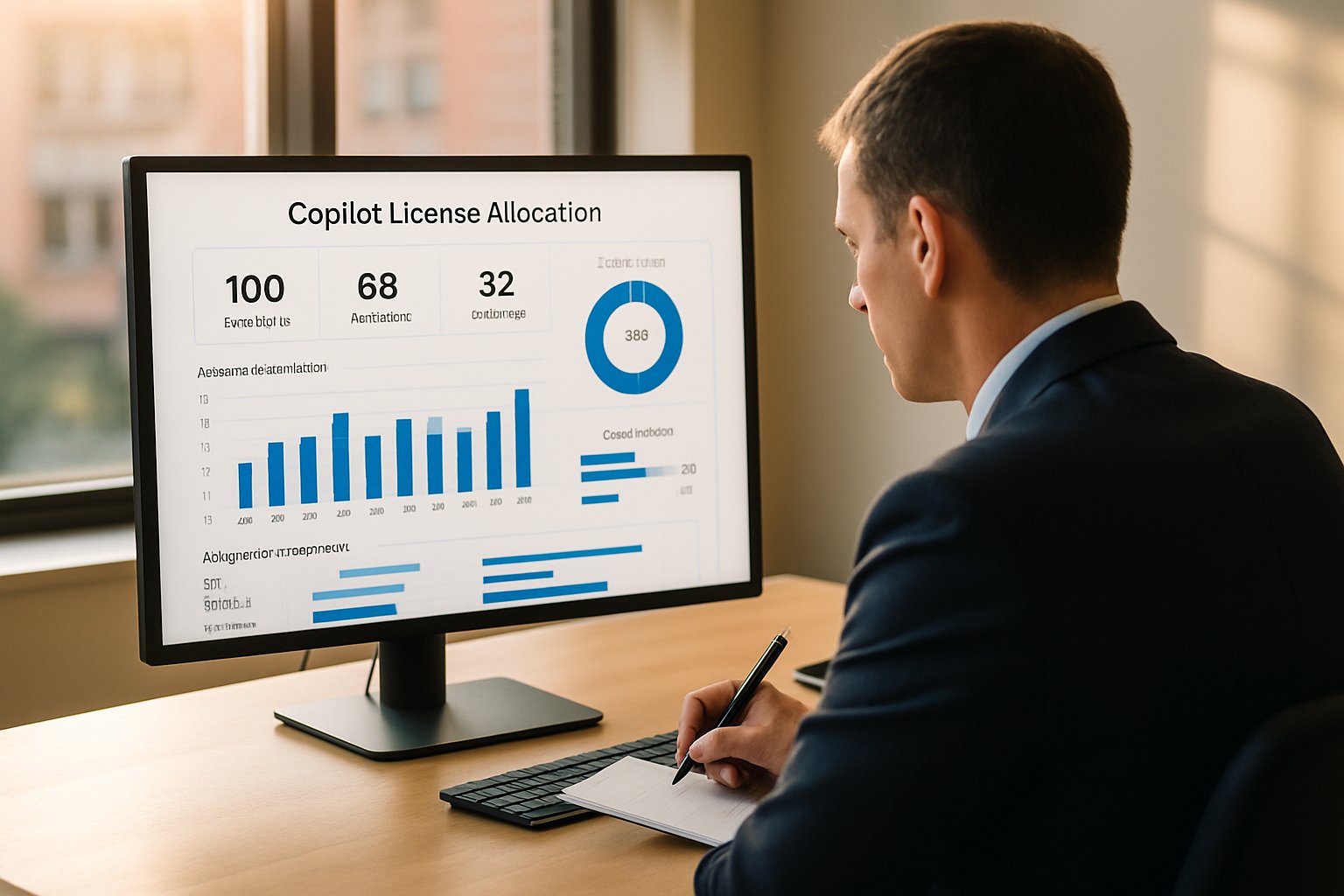
Idle seats drain budget and hide gains.
Next, we audit licenses to reclaim value.
Audit And Reclaim Quickly
Begin with a rapid Copilot license audit using Microsoft 365 admin reports. Filter last-90-day activity to surface accounts with zero Copilot launches. Moreover, compare those results with payroll data to catch deactivated users still assigned seats. Group-based unassignment reclaims hundreds of licenses within hours. Subsequently, tag each recovered seat with department and renewal date for tracking. License accountability for Copilot improves when finance, IT, and HR share a single dashboard.
Every reclaimed seat prevents Unused Copilot licenses from piling up before renewal.
- Run quarterly license hygiene reviews.
- Automate idle seat detection alerts.
- Align reclamation windows with renewal cycles.
These actions establish a cleansed pool ready for targeted pilots.
A structured audit frees budget fast.
We now choose where to redeploy seats.
Target High Impact Workflows
Not every task deserves Copilot. Consequently, shortlist workflows that map hours saved to revenue or risk reduction. Sales proposal drafting, contract redlining, frontline triage, and finance reporting often rank highest. Microsoft Copilot adoption thrives when pilots solve painful daily problems. Adoptify’s Discover phase scores use cases then ranks them by potential time savings.
- Volume of repetitive tasks.
- Average hourly cost of performers.
- Data sensitivity compliance level.
- Leadership sponsorship strength.
Unused Copilot licenses should feed 50–200 user cohorts covering those top scenarios. Therefore, each pilot can produce statistically significant productivity signals within weeks.
Focusing on high-ROI work increases adoption energy.
Next, we prove value with measurement.
Instrument For Hard Outcomes
Stakeholders care about dollars, not clicks. Therefore, connect Copilot telemetry with business KPIs using Viva Insights and Adoptify dashboards. Track active users, tasks per session, and minutes saved per task. Microsoft Copilot ROI stories resonate when linked to sales wins, claims processed, or billable hours. Additionally, pulse surveys capture confidence and surface training gaps early. License accountability for Copilot improves further when finance validates the time-saved conversion model. Unused Copilot licenses disappear quickly once executives see weekly ROI reports. These quick feedback loops Increase Copilot adoption without extra licensing costs.
Measurement converts anecdotes into funding approvals.
Still, pilots must feel safe and compliant.
Governance Builds Early Trust
Security teams block AI rollouts without clear guardrails. However, Adoptify’s AdaptOps templates provide Purview simulations, DLP policies, and prompt libraries. Consequently, CISOs sign off faster, and pilots start on schedule. Microsoft Copilot adoption also improves when users trust data handling. Run periodic reviews to ensure policies match expanding scope. Copilot license audit findings may include privileged roles; tighten access before scaling.
Governance removes fear and accelerates deployment.
Now, enable people to use Copilot well.
Drive Change With Enablement
Users abandon tools they do not understand. Therefore, Adoptify delivers in-app guidance, role labs, and champion circles. These micro-interventions Increase Copilot adoption by 25–40% in field reports. Moreover, short surveys after each task confirm perceived quality and collect tips. Managers receive weekly adoption nudges, keeping momentum alive. Unused Copilot licenses quickly convert into active power users under this model.
- One-click prompt galleries.
- Scenario video walkthroughs.
- Peer recognition badging.
Great experiences fuel organic growth.
Finally, use data to scale decisions.
Scale Decisions With Data
Quarterly Copilot license audit reviews transform pilot evidence into renewal strategy. Dashboards show which departments merit more seats or downsizing. Consequently, Microsoft Copilot ROI guides procurement rather than gut feel. Finance sees License accountability for Copilot embedded in AdaptOps workflows. When winners emerge, ECIF funding or internal budgets extend coverage. Unused Copilot licenses then fuel the next wave of pilots at minimal cost. Meanwhile, underperforming seats get reclaimed before renewal, preventing shelfware relapse. Sustained Microsoft Copilot adoption lets HR plan skills paths confidently.
Data-driven loops sustain optimization.
Let’s close with key takeaways.
Unused Copilot licenses do not need to remain sunk cost. Audit seats, target high-value workflows, instrument outcomes, secure data, and coach users. Execute that cycle quarterly and shelfware converts into measurable productivity within 90 days. Adoptify supplies AI-powered digital adoption, interactive in-app guidance, intelligent user analytics, and automated workflows. Therefore, organizations Increase Copilot adoption, accelerate onboarding, and sustain enterprise-grade security at scale. Transform Unused Copilot licenses into provable ROI with Adoptify’s AdaptOps pilots and executive dashboards. Stop funding Unused Copilot licenses; start funding innovation instead. Visit Adoptify today to start your 90-day Copilot acceleration.
Frequently Asked Questions
- How can enterprises reclaim unused Copilot licenses to boost ROI?
Enterprises can audit and reclaim idle Copilot licenses via Microsoft 365 reports and Adoptify’s structured workflows, transforming shelfware into active users and measurable productivity gains. - What workflows are ideal candidates for Copilot deployment?
Focus on high-impact workflows like sales proposals, contract redlining, and finance reporting to maximize time savings, reduce risk, and leverage Adoptify’s pilot tactics for quick wins. - How does Adoptify enhance digital adoption?
Adoptify boosts digital adoption with in-app guidance, role labs, and automated support, ensuring smooth Copilot onboarding and measurable improvements in user engagement. - How does data telemetry support scaling Copilot adoption?
Integrating Copilot telemetry with KPIs via interactive dashboards and pulse surveys enables precise user analytics, allowing for data-driven scaling and enhanced ROI using Adoptify’s tools.
FEATURED
The Complete Guide to Building an AI Adoption Framework for 2026
March 2, 2026
FEATURED
Who Owns the Intellectual Property in Enterprise AI Adoption
March 2, 2026
FEATURED
7 Reasons To Embrace AI-Native Architecture
March 2, 2026
FEATURED
Hybrid AI FAQ: Strategy, Governance, and ROI
March 2, 2026
FEATURED
Agentic AI Integration Playbook for Enterprises
March 2, 2026