Copilot Training for Teams: Enterprise Prompt Mastery
Enterprises feel the clock ticking. Leaders need measurable gains, not chat hype. Copilot Training for Teams offers that clarity. Well-designed programs turn generative AI from novelty into an everyday accelerator. However, success hinges on disciplined prompt skills, governance, and analytics. This article maps the journey from scattered trials to enterprise-wide mastery.
Copilot Training for Teams
Effective Copilot Training for Teams starts with precise goals. HR and L&D units first identify jobs that drain hours. They then align training to those workflows. Furthermore, pilot cohorts of 50–200 users validate value quickly. Adoptify AI’s AdaptOps loop—Discover, Pilot, Scale, Embed—guides each phase. Graduates earn micro-credentials that prove skill application.
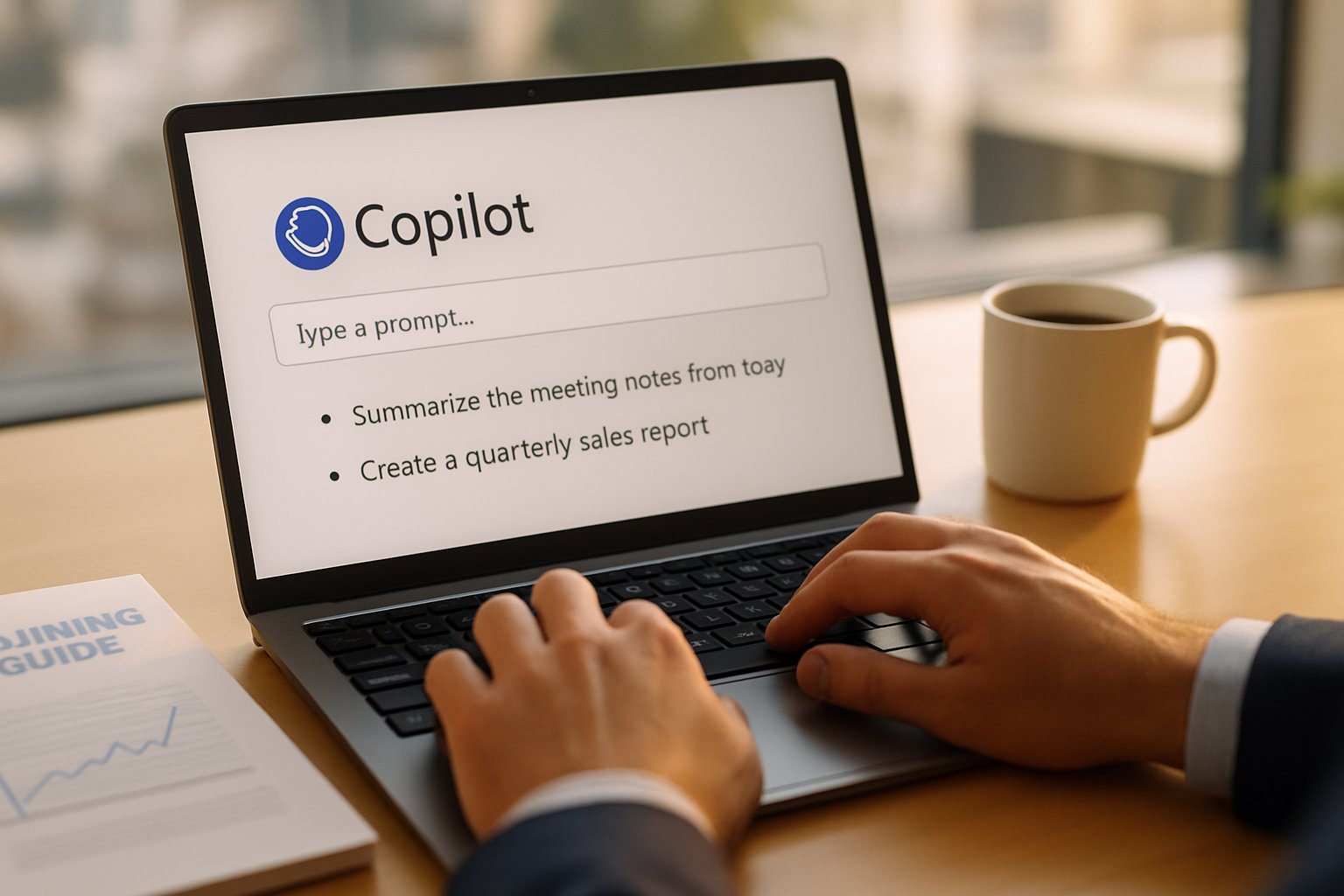
Consequently, organizations avoid “pilot-to-nowhere” situations. They measure minutes saved per task and error reductions from day one. Moreover, managers see dashboards linking prompt usage to KPIs. This visibility drives executive support for broader rollouts.
Section takeaway: Start with clear workflows, pilot quickly, and instrument everything. Transitioning forward, let’s examine why prompt craftsmanship matters.
Why Prompt Skills Matter
Prompt Engineering traction has surged because context drives quality. A loose question often returns workslop. In contrast, a structured prompt system delivers verified, source-grounded output. Microsoft Copilot Prompting Training teaches employees to supply role, context, constraints, and examples. Meanwhile, microsoft copilot adoption studies show usage lifts 30% when teams receive this coaching.
Enterprise Copilot prompting must also tame hallucinations. Therefore, learners practice retrieval-augmented generation, chain-of-thought, and citation requests. Security teams see lower false positives after adopting these patterns.
Section takeaway: Good prompts cut noise and risk. Next, we explore the AdaptOps loop that embeds these habits.
AdaptOps Prompt Training Loop
Adoptify AI sequences learning into four iterative sprints.
- Discover: Identify 10 high-value use cases, run Purview DLP simulations.
- Pilot: Deliver Microsoft Copilot Prompting Training to 100 users in sandbox labs.
- Scale: Promote validated prompt libraries and Copilot prompts for Word into SOPs.
- Embed: Automate measurement and continuous improvement workflows.
Moreover, Copilot productivity prompting dashboards display time saved and reuse rates every two weeks. Managers intervene early when metrics stall. Microsoft Copilot prompt engineering features, like batch test cases, assist quality checks.
Section takeaway: An iterative loop keeps momentum and quality high. Subsequently, teams move to building reusable prompt systems.
Building Prompt Systems Effectively
Individual prompts fade; systems endure. Teams capture templates containing role identity, context links, length limits, and expected format. Prompt Engineering experts suggest adding two exemplar inputs for faster model alignment. Additionally, Copilot Studio supports version control for these templates.
Microsoft Copilot prompt engineering guidance recommends assigning “prompt owners.” They review feedback and adjust variables. Furthermore, Copilot prompts for Word often include brand voice and citation footers, ensuring compliance. Enterprise Copilot prompting libraries tag each template by department and risk level.
Section takeaway: Treat prompts like code with owners, versions, and tests. The next priority is safeguarding data and reputations.
Governance And Safety Essentials
Governance sits at the heart of microsoft copilot adoption. Adoptify AI teaches compliance rules during Copilot productivity prompting workshops. Learners practice inside masked datasets, reducing exposure fears. In contrast, untrained staff often leak confidential snippets into public models.
Purview DLP simulations illustrate real violations. Subsequently, security champions add constraints to prompt templates. Microsoft Copilot Prompting Training also covers citation checks and hallucination detection. Consequently, audit teams trust AI outputs more.
Section takeaway: Governance must run parallel to skill building. With guardrails ready, organizations focus on validating financial impact.
Measuring Prompt ROI
Numbers sell programs. Forrester’s TEI studies project up to 353% ROI for Copilot. However, executives want internal proof. Adoptify AI therefore instruments sessions, tracking first-draft usefulness and task completion minutes. Copilot productivity prompting analytics integrate with Power BI for transparent dashboards.
McKinsey estimates generative AI could add $2.6–$4.4 trillion annually. Although grand, teams prefer local wins. Microsoft Copilot prompt engineering telemetry captures reuse frequency and hallucination rates. When those indicators improve, adoption budgets unlock.
Section takeaway: Quantitative evidence accelerates rollout funding. Finally, let’s outline scaling practices.
Rolling Out At Scale
Week eight signals scale time. L&D releases enterprise prompt libraries in Copilot Studio. Meanwhile, champions host weekly office hours addressing Prompt Engineering questions. Microsoft Copilot Prompting Training modules become on-demand microlearning for new hires.
Moreover, Copilot prompts for Word and Teams chat agents embed directly into workflows. microsoft copilot adoption metrics rise another 25% within six weeks. Enterprise Copilot prompting owners schedule quarterly template reviews, ensuring relevance and compliance.
Section takeaway: Scale succeeds when assets embed into daily tools and reviews stay frequent. This momentum sets the stage for our closing recommendations.
Sandbox Labs Advantage
Sandbox environments offer low-risk experimentation. Participants iterate prompts against realistic, sanitized data. Consequently, confidence grows, and best practices spread organically.
Section takeaway: Safe spaces accelerate mastery. We now move to our conclusion.
Conclusion
Copilot Training for Teams transforms sporadic usage into sustained productivity. Programs anchored in Prompt Engineering, governance, and metrics win executive trust. Microsoft Copilot Prompting Training, Microsoft Copilot prompt engineering tools, and Adoptify AI’s AdaptOps loop work together. Enterprise Copilot prompting libraries, Copilot prompts for Word templates, and Copilot productivity prompting analytics drive continuous gains.
Why Adoptify AI? The platform fuses Copilot Training for Teams with AI-powered digital adoption, interactive in-app guidance, intelligent user analytics, and automated workflow support. Therefore, onboarding accelerates, productivity soars, and security scales. Explore enterprise-ready excellence at Adoptify AI today.
Frequently Asked Questions
- What is Copilot Training for Teams and how does it benefit enterprises?
Copilot Training for Teams transforms scattered AI usage into measurable productivity gains. It leverages structured prompt engineering, in-app guidance, and user analytics to streamline workflows and reduce errors, key for modern digital adoption. - How does prompt engineering enhance workplace productivity?
Prompt engineering refines AI outputs by using structured prompts, context, and chain-of-thought reasoning. This reduces errors and hallucinations while boosting productivity through actionable insights provided by interactive dashboards and automated support. - What role does governance play in a digital adoption strategy?
Strong governance ensures compliance and data safety during digital transformation. Simulated environments, citation checks, and continuous improvement metrics secure prompt accuracy and boost executive confidence in digital adoption initiatives like those from Adoptify AI. - How do interactive analytics and in-app guidance accelerate digital transformation?
Interactive analytics and in-app guidance provide real-time insights on prompt usage and task efficiency. These features help managers optimize training, scale workflows, and support automated digital adoption efforts, aligning with Adoptify AI’s value proposition.
FEATURED
Artificial intelligence adoption: Inbox zero with Copilot
February 3, 2026
FEATURED
Artificial intelligence adoption: myths leaders must crush
February 3, 2026
FEATURED
Establishing Ethical Artificial Intelligence Adoption Guidelines
February 3, 2026
FEATURED
Artificial Intelligence Adoption: Models, Skills, ROI
February 3, 2026
FEATURED
20-Point Artificial Intelligence Adoption Readiness Checklist
February 3, 2026