Microsoft Copilot Consulting: Bulletproof Security Configuration
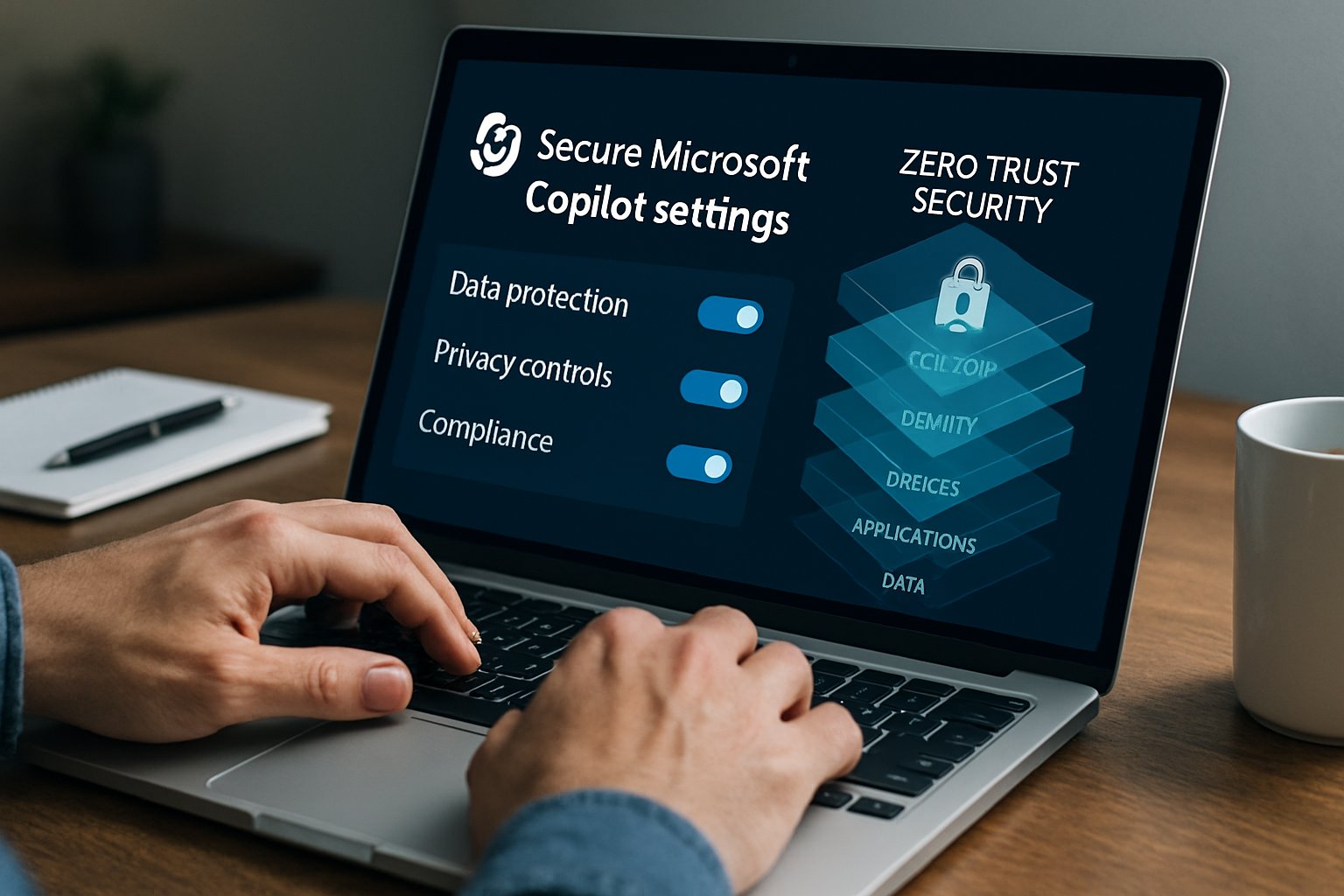
Enterprises rush to unlock Copilot productivity. However, security leaders still lose sleep. Microsoft Copilot Consulting can remove that fear when applied with discipline. This article details concrete steps that merge zero-trust, Purview controls, and AdaptOps playbooks. Readers will learn how to protect data, control agents, and scale safely while accelerating Artificial intelligence adoption.
Align Governance From Start
Successful programs begin with policy clarity. The Adoptify AdaptOps loop recommends four phased actions.
AdaptOps Four Key Phases
Discover risks, pilot controls, scale automation, and embed continuous reviews. Teams first run a Copilot Readiness Assessment. They inventory data, user roles, and license gaps. They also simulate Purview DLP to expose oversharing. Consequently, they prioritize use cases with manageable risk.
Microsoft Copilot Consulting Tips
Consultants advise a “governance-first” mindset. They document Entra ID permission models, retention obligations, and consent boundaries before enabling any pilot. Moreover, they define “No-Training-Without-Consent” rules to stop unintended model tuning.
Key takeaway: Strategy trumps tooling. Draft policy early, then map technical settings. Next, security architects tackle identity.
Secure Identity And Devices
Attackers often bypass weak identity layers. Therefore, enforce phishing-resistant MFA, Conditional Access, and separate admin roles. Intune compliance rules should block jail-broken devices. Additionally, create two Conditional Access policies: one for privileged admins, one for standard users.
Zero-trust experts stress continual verification. Entra ID access reviews and device risk signals feed real-time decisions. Consequently, Copilot only executes on trusted sessions.
Key takeaway: Identity is the first gate. Harden it before granting Copilot tokens. With identity secured, focus shifts to data.
Harden Enterprise Data Controls
Purview now offers oversharing assessments, label auto-classification, and DSPM for AI prompts. Administrators should:
- Deploy sensitivity labels across SharePoint, OneDrive, and Exchange.
- Enable Double Key Encryption for top-secret files.
- Use one-click DLP policies to block labeled items from Copilot.
- Run DLP simulations, fix false positives, then enforce.
Furthermore, configure retention to store prompts and responses when regulation demands audit trails. Microsoft Copilot Consulting often includes a data residency review to align with GDPR or HIPAA.
Key takeaway: Granular labels plus encryption stop exfiltration. After controls lock down content, attention turns to agents.
Monitor Copilot Agents Continuously
Each agent or plugin represents a new surface. Administrators must vet permissions, connectors, and code provenance. Moreover, they should disable third-party plugins until a security review passes. Purview DSPM now captures anomalous prompt patterns. Consequently, security teams can trigger Defender incidents automatically.
Telemetry closes the loop. Adoptify AI ROI dashboards merge Purview signals with usage statistics. Therefore, leaders see prompt value against risk metrics.
Key takeaway: Continuous monitoring prevents drift. With oversight active, guide users to safer prompts.
Train People On Prompts
Human errors drive many incidents. Interactive in-app guidance reduces mistakes. Adoptify AI integrates tips beside the prompt box, reminding users to avoid customer PII or export-controlled data. Additionally, role-based training explains why certain labels block Copilot processing.
Artificial intelligence adoption accelerates when trust rises. Hence, include human-in-the-loop reviews for sensitive outputs. Supervisors can approve or redact before release.
Key takeaway: Smart training plus guidance beats blanket restrictions. Finally, measure impact and refine.
Measure ROI And Iterate
Security spend must show returns. Adoptify AI reports many clients reach positive ROI within 90 days. Teams track saved hours, incident reduction, and adoption rates. Moreover, quarterly governance reviews examine audit logs, DLP hits, and AdaptOps maturity.
Artificial intelligence adoption metrics feed executive scorecards. Consequently, funding persists, and scaled rollouts gain momentum.
Key takeaway: Measured success sustains programs. Iteration keeps controls aligned with evolving threats.
Conclusion
Securing Copilot demands layered identity, robust Purview controls, vigilant monitoring, and relentless training. Microsoft Copilot Consulting guides each step while AdaptOps accelerates delivery.
Why Adoptify AI? The platform couples AI-powered digital adoption, interactive in-app guidance, intelligent user analytics, and automated workflow support. Enterprises enjoy faster onboarding, higher productivity, and uncompromised security at scale. Elevate your Copilot rollout today with Microsoft Copilot Consulting powered by Adoptify AI. Explore the platform now.
Frequently Asked Questions
- What security measures does Adoptify AI suggest for Microsoft Copilot adoption?
Adoptify AI advocates a governance-first approach by securing identities with multi-factor authentication, Purview data controls, and continuous monitoring using telemetry and user analytics for a compliant Copilot deployment. - How does Adoptify AI leverage in-app guidance for digital adoption?
Adoptify AI integrates interactive in-app guidance and role-based training, empowering users to confidently navigate policies, minimize errors, and enhance secure AI adoption and digital transformation. - How does continuous monitoring enhance Copilot security with Adoptify AI?
Continuous monitoring paired with automated support detects anomalous activities and enforces real-time security measures through user analytics and conditional access, ensuring Copilot agents operate securely. - What ROI benefits can enterprises expect from using Adoptify AI?
Enterprises often see positive ROI within 90 days through faster onboarding, reduced incidents, and enhanced productivity, driven by digital adoption tools, workflow intelligence, and secure AI implementation.

FEATURED
Artificial intelligence adoption: Copilot consulting ROI math
February 4, 2026
FEATURED
Where Microsoft Copilot Consulting Safeguards Data
February 4, 2026
FEATURED
Microsoft Copilot Consulting: Automate Executive Presentations
February 4, 2026
FEATURED
Microsoft Copilot Consulting Slashes 15 Weekly Hours
February 4, 2026
FEATURED
2026 Microsoft Copilot Consulting Pricing And Licensing Guide
February 4, 2026