Boost ROI With Microsoft Copilot Consulting in Excel
Analytics leaders feel pressure to turn spreadsheet chaos into quick strategic insights. Meanwhile, Microsoft keeps expanding Copilot’s advanced analysis features. Consequently, Excel is returning to the spotlight as a low-code data science canvas.
However, many enterprises meet roadblocks after the first demo. Data isn’t ready, guardrails are weak, and skills gaps surface. Gartner even predicts 30% of generative AI projects will stall before production.
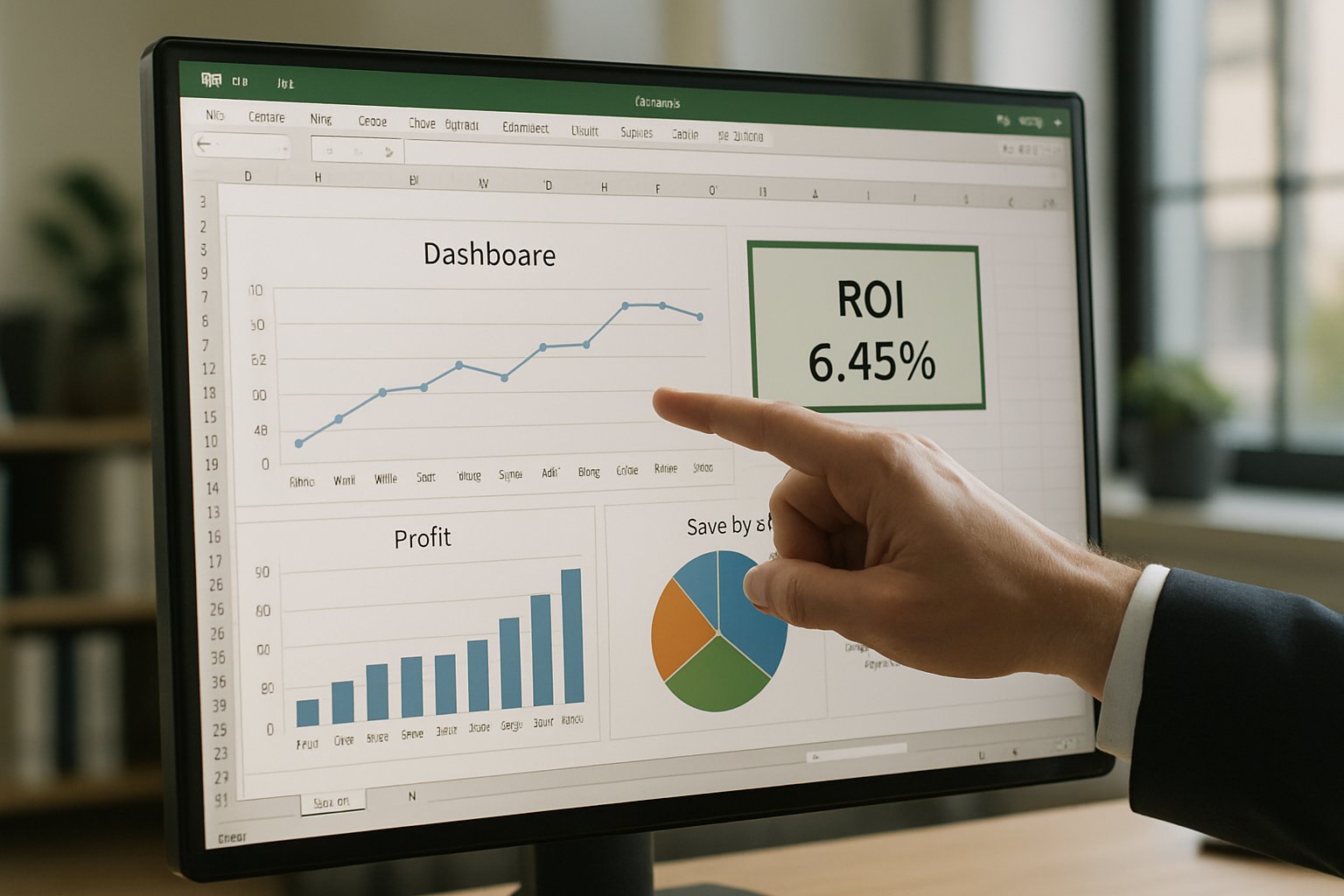
Therefore, leaders seek Microsoft Copilot Consulting to de-risk Excel pilots and scale impact. This article details a proven AdaptOps playbook from Adoptify.ai. Moreover, it maps each stage to Python-powered analysis, governance, and change management.
Additionally, you will find concrete ROI benchmarks, readiness checklists, and migration guidance for the 2026 App Skills sunset. In contrast to generic advice, every tip links to real enterprise outcomes. Read on to see how early movers convert natural language prompts into measurable value.
Excel Analysis Revolution
Copilot now recognizes prompts like “cluster customer churn” or “forecast Q4 revenue.” It translates the request into Python, embeds code, and returns visual answers. Consequently, analysts without coding backgrounds unlock machine learning from inside familiar sheets.
Microsoft calls this Advanced Analysis. Early customers report multi-hour savings on monthly forecasting and scenario testing. Forrester’s TEI model even shows 116% median ROI for spreadsheet automation.
Overall, Python in Excel turns static tables into interactive sandboxes. Thus, the business case feels compelling. Next, we examine consulting-led ROI.
Microsoft Copilot Consulting ROI
Enterprises rarely capture full value alone. Therefore, Microsoft Copilot Consulting partners quantify baseline cycle times, define success metrics, and guide pilots.
Adoptify.ai’s AdaptOps model sets a 90-day ROI horizon. Moreover, telemetry dashboards reveal adoption lift and time saved per analyst. These insights help finance teams justify licenses before enterprise scaling.
Consequently, CFOs gain evidence, not hype. Next, effective governance keeps that momentum safe.
Governance First Mindset
Strong controls stop hallucinated numbers entering board reports. Furthermore, Purview simulations expose hidden data before pilots start. Adoptify AI’s governance templates apply tiered guardrails, telemetry, and a No-Training-Without-Consent clause. Experienced Microsoft Copilot Consulting teams bake these controls into rollout charters.
Security teams also watch the App Skills lifecycle. Because removal hits February 2026, firms must evaluate Agent Mode alternatives now. Consequently, migration risk stays low.
Overall, proactive governance accelerates Artificial intelligence adoption while protecting sensitive sheets. The next section covers pilot design.
Pilot Design Essentials
Successful pilots stay tight. Adoptify AI recommends 50-200 users, two workflows, and eight weeks of measurement. Moreover, baseline metrics capture cycle times, error rates, and analyst hours.
High-value pilot candidates include:
- Monthly financial rollups
- Revenue forecast scenarios
- Sales pipeline analytics
Consequently, finance and sales leaders see immediate results. This momentum accelerates Artificial intelligence adoption across data teams. Next, we explore data preparation.
Data Readiness Checklist
Copilot needs well-structured tables, AutoSave on, and compliant labels. Therefore, teams perform a quick readiness audit before enabling advanced analysis.
Verify the following:
- Table formats not named ranges.
- No Confidential labels blocking actions.
- Purview scan shows zero high-risk columns.
- App Skills usage tracked in telemetry.
- Python feature enabled in channel.
With Microsoft Copilot Consulting guidance, data stewards finish this checklist in days, not weeks.
Consequently, pilots avoid messy rework. The focus then shifts to people and culture.
Training Drives Adoption
Technology alone never solves adoption. Moreover, analysts need prompt libraries, microlearning, and champion coaching.
Adoptify AI’s program blends five-minute videos with sandbox labs. Subsequently, usage dashboards show which roles struggle and need reinforcement.
Such targeted help accelerates Artificial intelligence adoption across finance, HR, and sales departments.
Therefore, Microsoft Copilot Consulting engagements always bundle training with technology rollouts.
In summary, upskilling turns features into daily habits. Finally, we outline migration timing.
Migration Planning Timeline
App Skills retire in February 2026. Consequently, teams should map every Python macro that relies on them.
Next, test Agent Mode and Analyst features inside targeted rings. Additionally, capture performance metrics to confirm equivalent results.
Microsoft publishes channel timelines quarterly, so schedule reviews accordingly. Moreover, update user guides before each switch.
Here, Microsoft Copilot Consulting experts maintain a version matrix and cutover plan.
Therefore, migration feels predictable, not rushed. We now wrap up the critical lessons.
Key Takeaways Recap
• Python in Excel boosts analyst power.
• Governance and data readiness reduce risk.
• Focused pilots prove ROI fast.
• Training sustains Artificial intelligence adoption.
• Early migration planning prevents disruption.
Conclusion
Advanced analysis with Copilot and Python delivers rapid insights when executed through disciplined practice. You learned how governance, pilots, training, and migration planning convert features into lasting value. Importantly, Microsoft Copilot Consulting offers the specialized playbooks that shorten the path to ROI.
Adoptify AI extends that expertise with AI-powered digital adoption capabilities and interactive in-app guidance. Moreover, intelligent user analytics highlight friction points while automated workflow support removes manual steps. Consequently, teams enjoy faster onboarding and higher productivity without sacrificing enterprise scalability or security.
Visit Adoptify AI today to supercharge Artificial intelligence adoption across your organization. Start now at Adoptify.ai and turn your spreadsheets into strategic assets.
Frequently Asked Questions
- How does Python integration in Excel drive digital adoption?
Python in Excel transforms static spreadsheets into interactive sandboxes. It enables non-technical users to execute advanced analytics via natural language prompts, supporting digital adoption with in-app guidance and enhanced workflow intelligence. - How does Microsoft Copilot Consulting accelerate ROI?
Microsoft Copilot Consulting de-risks Excel pilots by defining success metrics and leveraging Python-powered analysis. It employs user analytics and automated support to demonstrate measurable ROI, ensuring enterprises scale their digital adoption efficiently. - What training and support measures does Adoptify AI offer?
Adoptify AI provides targeted microlearning, five-minute video guides, and interactive sandbox labs with in-app guidance. These training tools, along with automated workflow support, help overcome skills gaps and promote effective digital adoption. - How do governance and migration strategies ensure project success?
Robust governance templates, proactive data readiness audits, and detailed migration planning reduce risk. Combined with automated workflow support, these strategies ensure secure pilot rollouts and smooth digital transformation for enterprises.

FEATURED
Artificial intelligence adoption: Copilot consulting ROI math
February 4, 2026
FEATURED
Microsoft Copilot Consulting: Bulletproof Security Configuration
February 4, 2026
FEATURED
Where Microsoft Copilot Consulting Safeguards Data
February 4, 2026
FEATURED
Microsoft Copilot Consulting: Automate Executive Presentations
February 4, 2026
FEATURED
Microsoft Copilot Consulting Slashes 15 Weekly Hours
February 4, 2026