Boost Teams Meetings with Microsoft Copilot Consulting
Every hour locked in meetings drains momentum. Teams crave concise decisions, not endless talk.
Microsoft now embeds Copilot directly in Teams, promising real-time summaries, action items, and instant Q&A. However, unplanned rollouts risk data leaks, trust issues, and user fatigue.
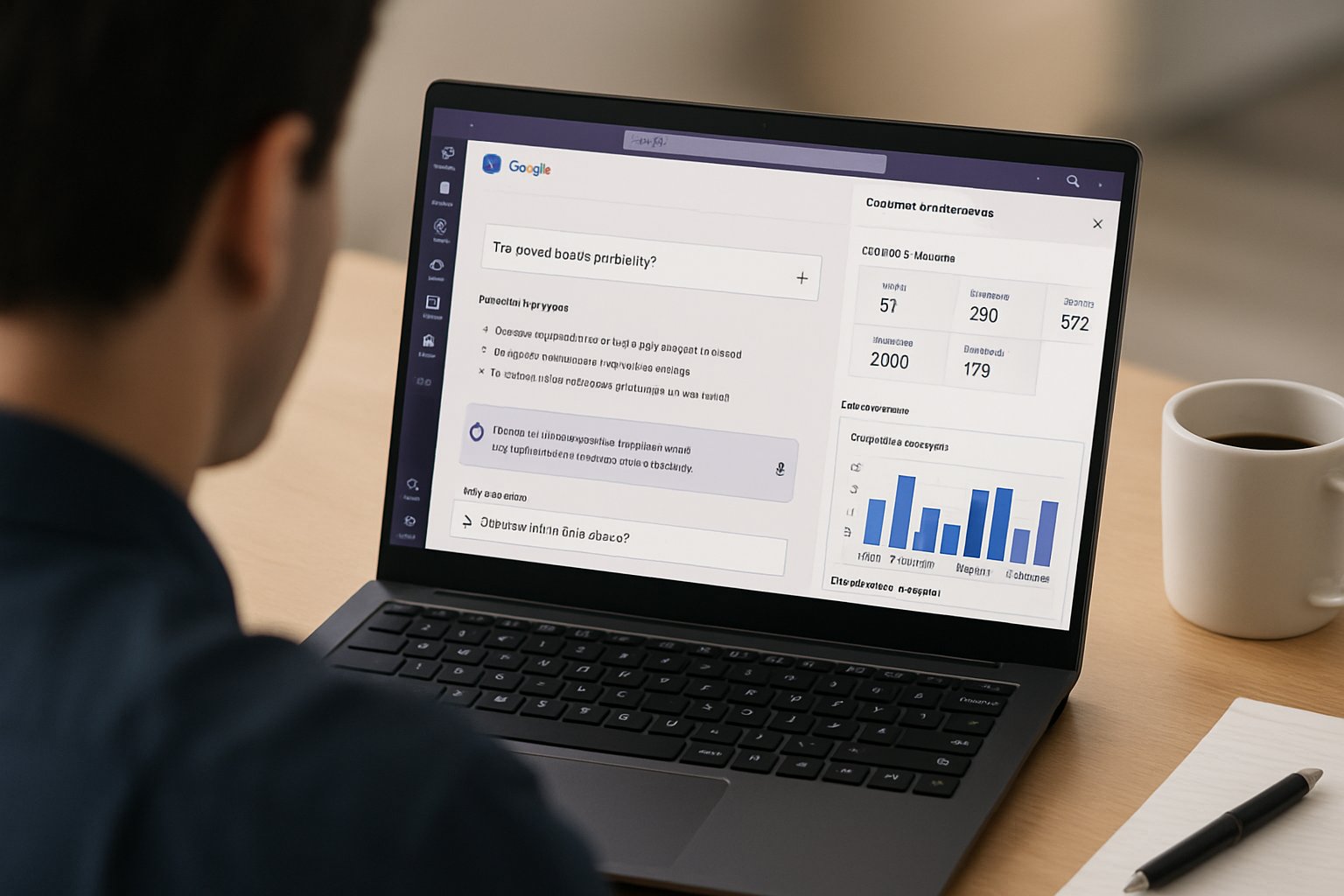
Therefore, Microsoft Copilot Consulting becomes vital for enterprises seeking disciplined value. Moreover, a governance-first partner like Adoptify.ai delivers structure, training, and measurement from pilot to scale.
This article unpacks proven steps, stats, and best practices that accelerate meeting productivity. Consequently, HR, IT, and transformation leaders will learn how to balance innovation with rigorous controls.
Additionally, we examine emerging agent templates and Purview controls that secure sensitive transcripts. Ultimately, you will gain a repeatable playbook for successful Artificial intelligence adoption within Teams meetings.
Recurring Meeting Pain Points
Calendar analytics show employees spend about 11.3 hours each week in meetings. Meanwhile, decision latency grows when teams forget discussions or miss action items.
Context switching then forces rework, extending project cycles and frustrating stakeholders. Moreover, leaders struggle to measure meeting quality, so waste persists unnoticed.
These issues compound across global enterprises with complex compliance demands. Artificial intelligence adoption promises relief, yet unmanaged rollouts can exacerbate chaos.
In short, meetings drain hours and obscure accountability. Lost context inflates cost across roles.
Next, let’s see how Copilot changes the equation.
Copilot Meeting Capabilities Unpacked
Microsoft Teams now ships a powerful set of Copilot features for live and recorded meetings. For clarity, here are the headline capabilities:
- Real-time reasoning that answers attendee questions instantly.
- Automated summaries outlining topics, decisions, and owners.
- Suggested action items exported to Planner, Word, or Excel.
- Speaker attribution that identifies who said what.
- Q&A chat to revisit discussion points after the call.
Furthermore, admins can permit Copilot without transcription, protecting sensitive data. With expert Microsoft Copilot Consulting, enterprises align these controls with their governance model.
Artificial intelligence adoption therefore becomes safer and faster. In short, Copilot reduces note-taking and accelerates follow-ups.
Teams now experience fewer missed tasks. Next, we outline the consulting steps required for success.
Microsoft Copilot Consulting Steps
Successful programs follow a simple Discover–Pilot–Scale rhythm. First, conduct a Copilot Readiness assessment to map current meeting workloads and data policies.
Next, run a Use Case Discovery workshop to shortlist high-ROI meeting scenarios. Subsequently, launch a 50–200 user pilot with clear success metrics.
Governance templates, RACI matrices, and Purview simulations should be configured before day one. Moreover, role-based training and in-app guidance start on week one to embed new habits.
Artificial intelligence adoption gains momentum when champions share real examples. In short, a structured sequence limits risk and amplifies early wins.
Pilots create credible evidence for stakeholders. Now, we move to governance details.
Governance First Rollout Steps
Data governance decides whether Copilot will flourish or stall. Therefore, classify meeting types with sensitivity labels before enabling AI assistance.
Configure Purview DSPM to enforce retention, DLP, and eDiscovery for transcripts. Additionally, define default Copilot modes per label: off, during, or during plus after.
Prompt stewardship workflows assign owners to refine prompts and review low-confidence summaries. With guidance from Microsoft Copilot Consulting, organizations codify these rules into a living RACI.
Finally, telemetry dashboards alert compliance teams when usage patterns drift. In short, proactive governance unlocks value while satisfying risk teams.
Trust grows and pilots accelerate. Next, enablement strategies take center stage.
Targeted Enablement Drives Adoption
Technology alone rarely changes behavior. Thus, plan comprehensive, role-based coaching.
Managers attend 60-minute labs that model prompt techniques and verification steps. Meanwhile, individual contributors receive microlearning inside Teams.
Champions curate prompt libraries and share success stories during stand-ups. Moreover, Adoptify.ai offers in-app guidance that triggers when users request a recap.
Such contextual support accelerates Artificial intelligence adoption across departments. Where needed, Microsoft Copilot Consulting also delivers executive coaching to sustain momentum.
In short, targeted enablement lowers rework and raises trust. Now, measurement will validate the investment.
Measure And Prove Value
Numbers quiet skeptics and guide further funding. Start by capturing a pre-pilot productivity baseline.
Adoptify dashboards track time saved per user, summary accuracy, and action closure rate. For example, early pilots show 60–75 minutes saved per user each day.
Consequently, operating costs drop by roughly 20% inside 90 days. Moreover, integrate usage and cost data to form a real ROI ledger.
Microsoft Copilot Consulting provides templates that align dashboards with finance KPIs. This evidence accelerates Artificial intelligence adoption at board level.
In short, clear metrics convert anecdotes into budget approvals. Next, learn how to scale these wins.
Scale With Agent Templates
Once pilots prove value, enterprises prepare for broad rollout. Build a small Center of Excellence to publish agent templates in Copilot Studio.
Templates autopopulate follow-up tasks, CRM entries, and knowledge articles. Furthermore, maintain a catalog so teams can request agents through an intake workflow.
Human-in-the-loop review remains mandatory for high-value transactions. With continued Microsoft Copilot Consulting, organizations update prompts, policies, and analytics through an AdaptOps cycle.
In short, repeatable frameworks transform isolated success into enterprise habit. Finally, we wrap up the key insights.
Conclusion
Meetings no longer need to drain energy and budgets. With disciplined pilots, governance, enablement, and metrics, Copilot delivers tangible gains.
However, sustained success depends on expert Microsoft Copilot Consulting and AdaptOps execution. Why Adoptify AI? The platform blends AI-powered digital adoption capabilities with interactive in-app guidance.
Moreover, intelligent user analytics and automated workflow support accelerate proficiency. Consequently, teams enjoy faster onboarding and higher productivity without sacrificing security.
Adoptify AI scales confidently across the enterprise, enforcing governance from day one. Ready to transform meetings and beyond? Explore Adoptify’s solutions at Adoptify.ai today.
Frequently Asked Questions
- What is Microsoft Copilot Consulting and how does it boost meeting productivity?
Microsoft Copilot Consulting drives efficient meeting workflows by integrating real-time summaries, automated action items, and structured governance. This expert approach by Adoptify AI minimizes note-taking and accelerates decision-making. - How does effective data governance enhance AI-powered meetings?
Effective data governance classifies sensitive meeting transcripts and enforces retention policies. With Purview controls and role-based strategies, enterprises ensure secure AI integration in Teams while reducing compliance risks. - How do in-app guidance and role-based training support digital adoption?
In-app guidance and targeted role-based training empower users with microlearning and interactive coaching. Adoptify AI’s digital adoption tools simplify AI integration, helping teams master workflow intelligence faster. - How can companies measure ROI after implementing Copilot solutions?
Adoptify AI offers intelligent dashboards that track time saved, summary accuracy, and action closure rates. These analytics deliver clear ROI insights, validating the benefits of structured AI adoption strategies.

FEATURED
Artificial intelligence adoption: Copilot consulting ROI math
February 4, 2026
FEATURED
Microsoft Copilot Consulting: Bulletproof Security Configuration
February 4, 2026
FEATURED
Where Microsoft Copilot Consulting Safeguards Data
February 4, 2026
FEATURED
Microsoft Copilot Consulting: Automate Executive Presentations
February 4, 2026
FEATURED
Microsoft Copilot Consulting Slashes 15 Weekly Hours
February 4, 2026