Microsoft Copilot Consulting: Prerequisite Checklist
Generative AI has moved from hype to everyday work. Consequently, enterprises now rush to unlock Copilot’s promised gains. Microsoft Copilot Consulting helps leaders avoid expensive missteps by guiding each technical gate. However, the many prerequisite checks can feel overwhelming. This article breaks the work into clear, sequenced steps that align with Adoptify.ai’s AdaptOps model. Readers will leave with an actionable checklist, an optimized Microsoft Copilot implementation roadmap, and proof points that justify immediate action.
Why Checklists Really Matter
McKinsey reports that up to 88% of firms pursue Artificial intelligence adoption. Nevertheless, only a minority scale pilots successfully. Licensing alone never delivers value. Therefore, structured checklists protect budgets and reputations. Additionally, Microsoft documentation now mandates evidence for identity, data, and network readiness before Copilot activation. Enterprises using Microsoft Copilot Consulting embed these proofs from day one.
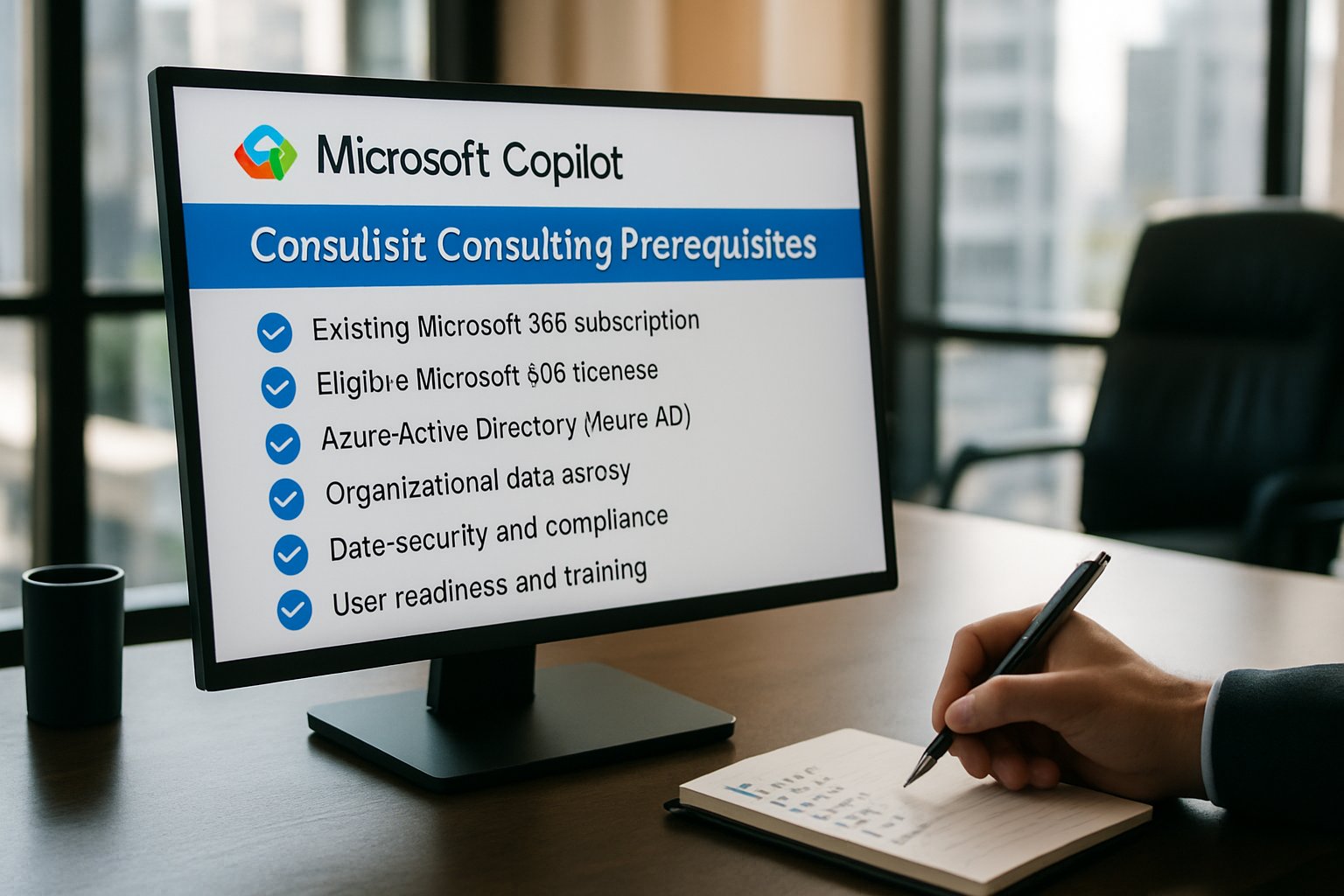
Key takeaway: Checklists convert uncertainty into measurable tasks. They accelerate stakeholder approval. Next, we examine the first governance steps.
Governance First Vital Steps
First, create a governance working group spanning IT Security, Compliance, Legal, and Business units. Moreover, assign granular admin roles across Microsoft 365, Purview, and SharePoint. Adoptify AI’s AdaptOps Discover phase supplies ready-made role matrices.
Second, define success metrics. Common pilot KPIs include minutes saved per user, quality scores, and prompt-related risk indicators. Furthermore, align telemetry reporting with executive dashboards.
Third, document go/no-go gates. Consequently, leadership gains confidence that risk reviews will happen before scale.
Key takeaway: Strong governance prevents oversharing and scope creep. The next step covers identity and licensing.
Identity And Licensing Readiness
Identity gaps derail many pilots. Therefore, confirm Microsoft Entra ID synchronization across cloud and on-prem directories. Next, migrate pilot mailboxes to Exchange Online because Copilot requires a cloud mailbox. Guest or cross-tenant accounts remain unsupported, so exclude them.
Licensing clarity also matters. Purchase tenant-level Copilot and per-user add-ons. Additionally, acquire Copilot Studio tenant and user licenses if you plan custom agents. Microsoft Copilot Consulting experts often automate this assignment through Entra groups, reducing manual errors.
Key takeaway: Identity alignment and license hygiene stop access failures. In contrast, data readiness protects sensitive files, which we discuss now.
Data Protection And Oversharing
Purview Oversharing Scan Checklist
Oversharing remains the top Copilot risk. Thus, run Purview DSPM scans against SharePoint and OneDrive. SharePoint Advanced Management provides oversharing simulation reports that highlight risky sites. Subsequently, auto-label sensitive libraries and restrict broad link sharing.
SharePoint Sensitive Labeling Policies
After simulations, apply site-level sensitivity labels. Moreover, create a whitelist of low-risk collaboration spaces for the pilot. Adoptify AI’s governance starter kits include these templates.
Bullet checklist:
- Run Purview DSPM simulations weekly.
- Enable unified audit logs immediately.
- Apply auto-labeling on high-impact libraries.
- Review results with Compliance and Legal leaders.
Key takeaway: Proactive labeling prevents accidental data leaks. Next, validate network and device posture.
Network And Client Compliance
Copilot relies on WebSockets to several domains, including *.cloud.microsoft and copilot.microsoft.com. Therefore, allow these endpoints and exclude them from TLS inspection when possible. Furthermore, edge proxies must support WSS traffic.
Client readiness matters as well. Desktop devices need Microsoft 365 Apps version 2511 or later. Meanwhile, Semi-Annual Enterprise Channel devices will not auto-install the Copilot app. Consequently, many firms switch pilot devices to Monthly Enterprise Channel.
Mobile users also require updated OS versions: iOS 16+ and Android 8+. Additionally, enable third-party cookies in browsers for web Copilot experiences.
Key takeaway: Network clearance and modern clients stop frustrating launch delays. Let us move to pilot launch and telemetry.
Pilot Launch And Telemetry
An effective pilot uses a focused cohort of 50–200 users. Adoptify AI cites average productivity gains of 60 minutes saved per user daily within 90 days. Although figures vary, measurement discipline drives credibility.
Implement continuous telemetry. Therefore, track prompt count, feature adoption, and DLP alerts. Moreover, integrate Copilot metrics with your SOC to catch anomalies early.
Numbered framework:
- Select diverse roles: HR, Finance, Sales.
- Assign licenses through an Entra security group.
- Run weekly feedback surveys plus usage analytics.
- Adjust training based on observed prompt patterns.
- Present ROI dashboards to executives every month.
Key takeaway: Telemetry transforms anecdotes into action plans. Consequently, scaling becomes a data-driven decision.
Scale Sustainably With AdaptOps
Once go/no-go criteria pass, expand seats using automated groups. Furthermore, Adoptify AI’s Scale phase applies the AdaptOps control plane to enforce quarterly reviews, plugin governance, and role-based training refreshers.
Additionally, integrate lessons learned into a living Microsoft Copilot implementation roadmap. Doing so keeps Artificial intelligence adoption aligned with evolving compliance rules and cost models.
Primary benefits of this disciplined scale include faster onboarding, sustained ROI, and reduced security incidents. Therefore, Microsoft Copilot Consulting remains valuable beyond the initial launch.
Key takeaway: Sustainable scale demands continuous governance and user enablement. The conclusion now summarizes critical actions.
Frequently Asked Questions
- How do governance and checklists support a successful Microsoft Copilot deployment?
Structured checklists and robust governance streamline Copilot deployments by aligning IT, security, and business units. Adoptify AI’s AdaptOps model ensures clear roles and compliance, reducing risks during implementation. - Why is identity and licensing readiness critical for a Copilot pilot?
Synchronizing identities and securing proper licensing prevent access failures. Adoptify AI uses automated Entra group assignments to streamline Microsoft Copilot Consulting, ensuring a smooth digital adoption with minimal manual errors. - What measures help prevent data oversharing in Microsoft Copilot pilots?
Regular Purview DSPM scans, auto-labeling sensitive libraries, and pre-approved SharePoint policies secure data. Adoptify AI governance kits enforce these measures, ensuring that digital adoption remains both safe and compliant. - How does telemetry enhance continuous improvement in Copilot implementations?
Telemetry tracks prompt counts, feature adoption, and DLP alerts, feeding into executive dashboards. This data-driven insight from Adoptify AI assists in agile scaling, ensuring each Microsoft Copilot pilot is efficient and secure.

FEATURED
How to Identify and Overcome Cultural AI Adoption Barriers
March 3, 2026
FEATURED
What Are the Most Common AI Adoption Challenges for Businesses
March 3, 2026
FEATURED
The Complete Guide to Building an AI Adoption Framework for 2026
March 2, 2026
FEATURED
Who Owns the Intellectual Property in Enterprise AI Adoption
March 2, 2026
FEATURED
7 Reasons To Embrace AI-Native Architecture
March 2, 2026