Microsoft Copilot Governance: Purview Playbook for Executives
Boards feel both excitement and pressure around generative AI. Therefore, governance conversations now reach every quarterly meeting. Microsoft Copilot Governance remains the hottest agenda item because seat counts soar weekly. Meanwhile, regulators warn about data leakage and unfair use. Enterprises must act fast, yet they also need proof that controls work. Fortunately, Purview now embeds guardrails directly into Copilot. However, policy design alone never guarantees safe scale. Success demands a rigorous, evidence-driven operating model backed by AdaptOps. This article maps the journey for HR, IT, and SaaS leaders.
Purview Control Set Overview
Purview delivers the core policy levers that executive teams expect. Sensitivity labels flow through every Copilot prompt and response. Moreover, DLP actions can block Copilot from touching protected files. Administrators can also inherit labels on generated output, ensuring downstream safety. Microsoft has added Entra AI roles, so only scoped users author these rules. Consequently, security teams can verify coverage through built-in analytics.
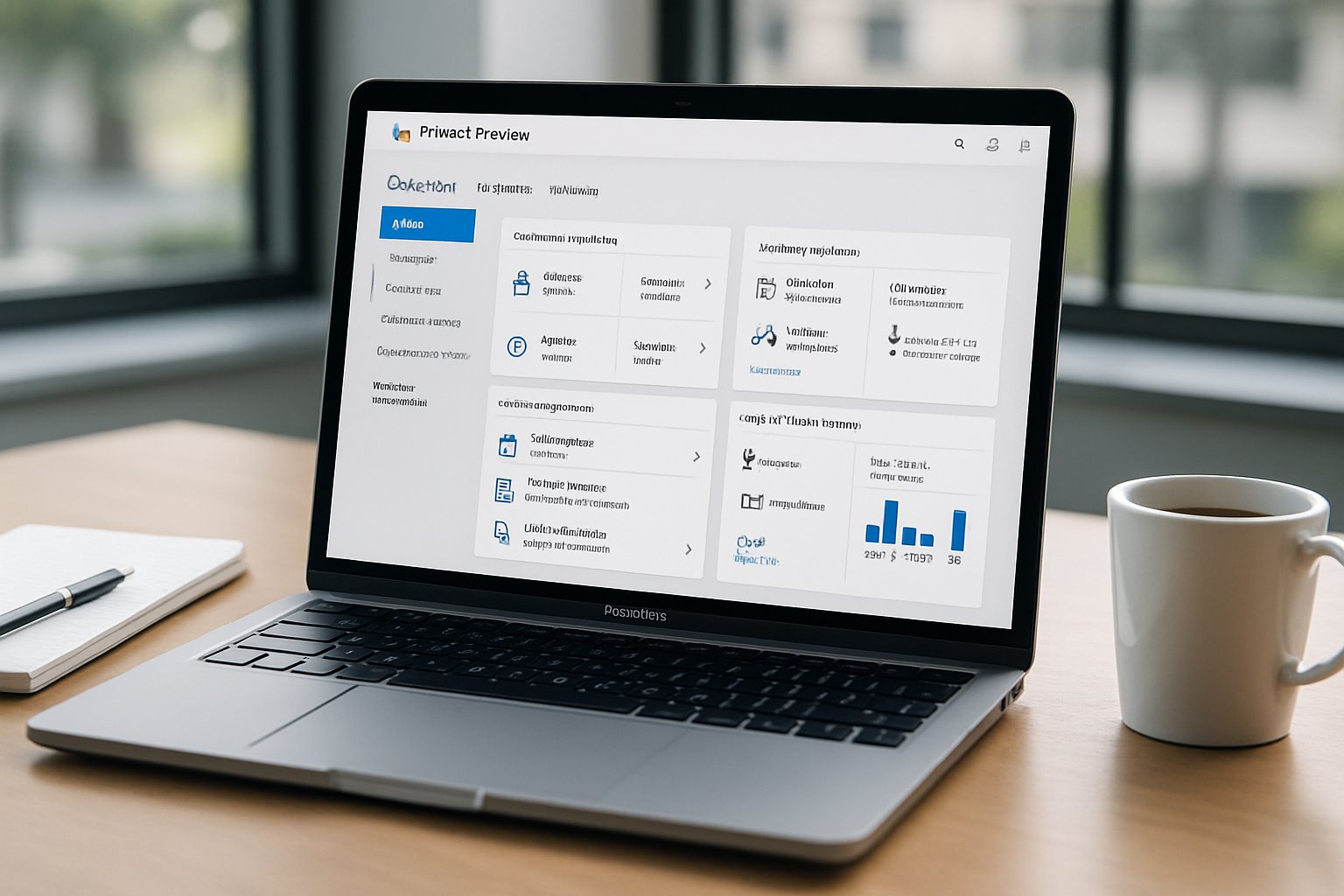
Key Purview features now governing Copilot:
- “Restrict Copilot processing” DLP action for labelled content.
- Browser DLP in Edge to halt unsanctioned prompt pastes.
- DSPM insights that flag risky agent activities.
- Audit logs capturing prompts, responses, and agent runs.
These levers form the first defence layer for Microsoft Copilot Governance. They also anchor any future Copilot data security audit.
Purview lays the technical foundation. However, executives still need risk context and ROI proof. Next, we explore those pressures.
Microsoft Copilot Governance Risks
Copilot adoption outpaces most control frameworks. Consequently, data leakage incidents rise. Insider Risk indicators show sensitive text appearing in shadow AI tools. Meanwhile, finance boards ask why ROI metrics lag hype. Executives therefore demand three assurances: no uncontrolled exposure, measurable productivity, and repeatable audits.
Without telemetry, leaders operate blind. They cannot trace which file influenced which response. They also lack cost-to-value ratios. An urgent Copilot data security audit often uncovers these gaps. Furthermore, compliance officers must answer regulators within days. Any delay erodes trust.
Adoptify’s client interviews highlight recurring pain points:
- Undefined role ownership for AI exceptions.
- Manual, slow policy updates that miss daily releases.
- Fragmented insights across Purview, Entra, and usage logs.
Microsoft Copilot Consulting engagements fix these issues by embedding governance into the operating rhythm. They pair Purview metrics with ROI dashboards. That linkage convinces boards to fund larger rollouts.
Risks and expectations now feel tangible. Accordingly, we shift to the AdaptOps gate model.
AdaptOps Governance Gate Model
Adoptify’s AdaptOps model treats governance as continuous, not final. The journey flows through Discover, Pilot, Scale, Embed, and Govern stages. Each stage ends with an evidence gate owned by a steering council.
Purview telemetry leads every gate review. For example, during Pilot, teams run simulated DLP policies. They then document blocked prompts and label mismatches. Moreover, they track early efficiency gains. Executive sponsors demand that report before Scale approval.
The model assigns clear RACI:
- AI Council: approve go/no-go.
- CISO Office: own DLP baselines.
- HR & L&D: deliver role-based training.
- Business Leads: capture productivity KPIs.
Microsoft Copilot Governance appears in every gate checklist. Microsoft Copilot Consulting teams often supply templates that speed evidence collection. Consequently, cycle times drop from months to weeks.
The gate model sets discipline. Still, enforcement must automate through code. We cover that next.
Practical Policy As-Code Steps
Manual console clicks never scale. Therefore, many firms convert Purview and Entra settings into policy-as-code pipelines. Git repositories hold JSON templates for labels, DLP rules, and conditional access.
Recommended steps:
- Create a “Copilot-Exclude” label.
- Export Purview DLP template JSON.
- Store the JSON in source control.
- Run automated deployment to test tenant.
- Trigger simulated runs and capture metrics.
- Promote to production after gate approval.
These actions turn subjective discussions into traceable commits. Moreover, they simplify any Copilot data security audit because change history sits in Git. Microsoft Copilot Consulting partners frequently provide starter kits that align with AdaptOps.
As-code pipelines enforce policy. Yet leaders still need outcome visibility. Telemetry solves that gap.
Telemetry Driven Executive Dashboards
Dashboards must unite security posture and business value. Adoptify streams Purview DLP events, usage analytics, and ROI metrics into Power BI. Consequently, executives see label coverage, blocked prompts, and hours saved per user on one page.
A typical dashboard displays:
- Top blocked sensitive phrases by department.
- Prompt volume versus license costs.
- Generated output label distribution.
- Time saved translated into salary value.
Because signals refresh hourly, steering councils can approve or pause scale swiftly. Microsoft Copilot Governance insights appear alongside finance KPIs, creating a common language between CISOs and CFOs.
Telemetry validates protection and ROI. However, AI ecosystems evolve weekly. Continuous improvement remains crucial.
Ongoing Improvement Playbook Structure
Governance never finishes. Subsequently, organizations schedule quarterly reviews. They analyze emerging Purview features and evolving threat patterns. Exception workflows allow innovation while containing risk. Each exception includes sunset dates and must show benefit in dashboards.
Role-based training reinforces policy. HR and L&D teams push micro-learning to Copilot power users. Meanwhile, security leaders host monthly retros to review incident trends. Microsoft Copilot Consulting roadmaps often guide these cadences.
Finally, periodic Copilot data security audit cycles measure control health. Findings feed back into policy-as-code templates, closing the loop. Microsoft releases update rapidly, so practitioners check Microsoft Learn before each sprint.
A living playbook ensures Microsoft Copilot Governance adapts to market and platform changes. That agility protects investment.
We now recap critical lessons and showcase Adoptify AI.
Conclusion And Next Steps
Purview supplies the technical controls, while AdaptOps supplies the operational muscle. Together they ground Microsoft Copilot Governance in evidence, speed, and auditability. Executives gain clear risk posture, quantified ROI, and confidence to scale.
Why Adoptify AI? The platform embeds AI-powered digital adoption, interactive in-app guidance, intelligent user analytics, and automated workflow support. Consequently, teams onboard faster and reach higher productivity without sacrificing security. Adoptify AI scales to any enterprise and integrates seamlessly with Purview gates. Explore how it elevates Microsoft Copilot Governance by visiting Adoptify AI today.
Frequently Asked Questions
- How does Adoptify AI integrate with Microsoft Copilot Governance?
Adoptify AI seamlessly integrates with Microsoft Copilot Governance by combining in-app guidance, intelligent user analytics, and automated workflow support. This integration streamlines policy enforcement, enhances data security, and accelerates digital adoption. - What are the benefits of using Purview and AdaptOps in digital adoption strategies?
Purview and AdaptOps provide robust policy controls, telemetry analytics, and continuous improvement in digital adoption. They deliver automated support and evidence-driven metrics, ensuring secure data governance and streamlined workflows for scalable enterprise growth. - How do policy-as-code pipelines enhance workflow intelligence?
Policy-as-code pipelines automate deployment and testing, ensuring consistent compliance and rapid updates. They reduce manual intervention by providing traceable commits and enhance workflow intelligence through integrated security protocols. - How does a telemetry-driven executive dashboard improve operational efficiency?
Telemetry-driven dashboards consolidate security, policy, and ROI metrics into real-time insights. This unified view helps executives quickly identify risks, measure productivity, and adjust digital adoption strategies for agile governance and efficient resource allocation.

FEATURED
How to Identify and Overcome Cultural AI Adoption Barriers
March 3, 2026
FEATURED
What Are the Most Common AI Adoption Challenges for Businesses
March 3, 2026
FEATURED
The Complete Guide to Building an AI Adoption Framework for 2026
March 2, 2026
FEATURED
Who Owns the Intellectual Property in Enterprise AI Adoption
March 2, 2026
FEATURED
7 Reasons To Embrace AI-Native Architecture
March 2, 2026