Microsoft Copilot Governance: Clear Ownership for Scalable AI
Enterprises race to unleash generative AI. Yet many overlook one hard truth: Microsoft Copilot Governance decides whether value sticks or risk multiplies. Without clear ownership, copilots can drift, expose data, and stall ROI. Consequently, boards now demand concrete accountability frameworks before approving scale.
Recent case studies show why. PwC created 500,000 extra hours in a month, while pilot laggards struggled with orphaned agents. Moreover, Microsoft’s own control system enforces a shared-responsibility model. Organizations, therefore, must assign owners, gate releases, and track metrics from day one.
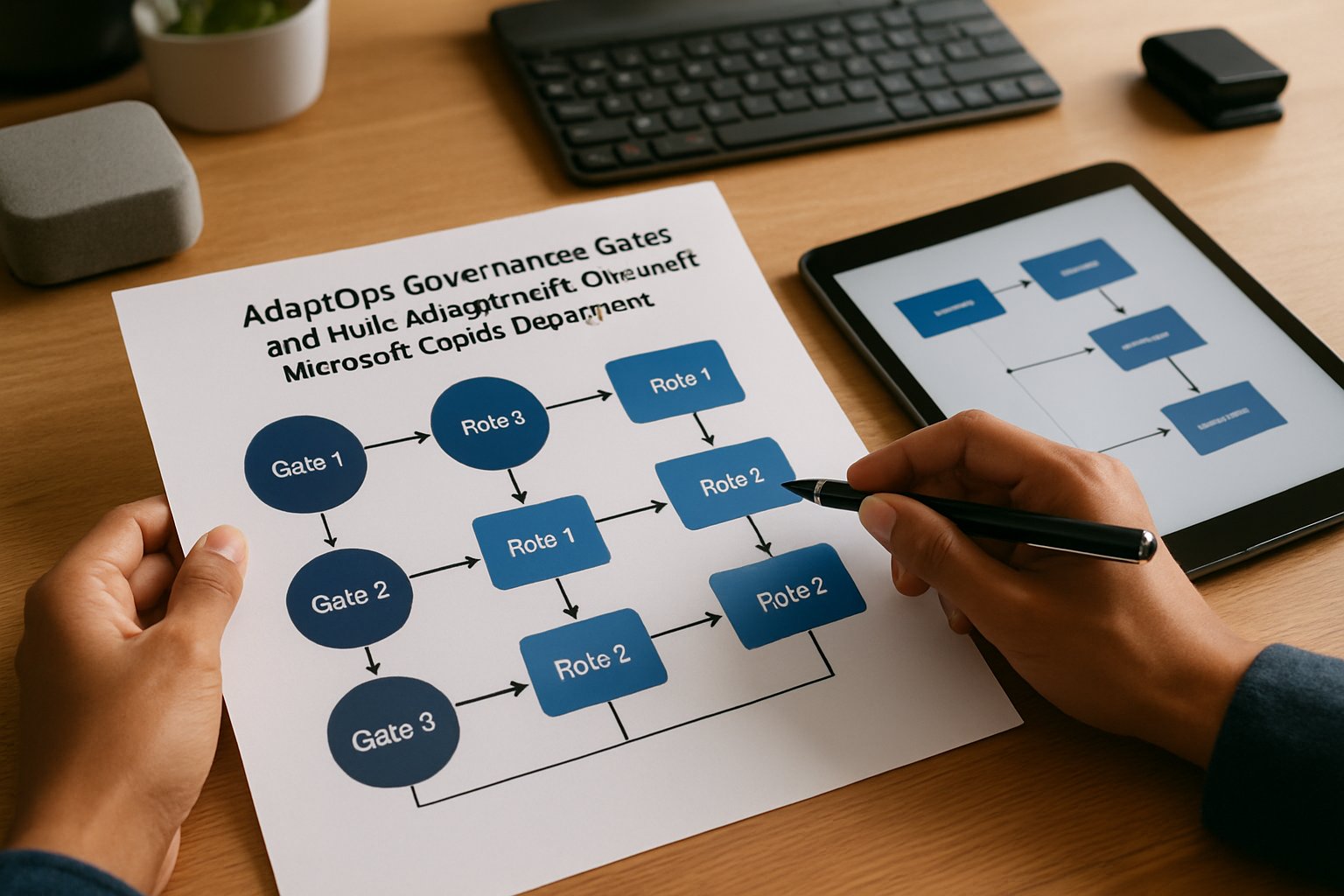
This article offers an expert playbook for HR, IT, and SaaS leaders. We align proven AdaptOps gates with emerging standards, field metrics, and NIST guidance. Follow these steps to lock in accountability, accelerate adoption, and build trust at enterprise scale.
Additionally, we spotlight Microsoft Copilot Consulting insights and AI ethics for leadership imperatives that tighten governance loops. By blending technical controls with human oversight, you can avoid compliance pitfalls and sustain performance gains.
Ownership Gaps Undermine Value
Many pilots start fast but ignore ownership. Users create agents, leave roles, and no one remains accountable. Consequently, data exposure risks grow and ROI stalls.
Community posts show dozens of orphaned copilots within weeks. Microsoft Copilot Governance frameworks catch these gaps early by demanding owner metadata, reassignment flows, and gate reviews. Without that discipline, scale runs into security walls. Moreover, Microsoft Copilot Consulting partners report that 30% of failed rollouts trace back to unclear owners.
Analyst reports from IDC show that organizations without clear owners spend 30% more on remediation. In contrast, teams with early owner mapping resolve incidents in minutes, not days. That cost delta drives executive urgency.
In short, gaps erode trust and value. Next, we define the roles that close those gaps.
Roles That Matter Most
Clear roles transform abstract accountability into daily action. NIST, Microsoft, and Adoptify AI agree on five core owners.
- Business/Value Owner
- Technical Owner
- Risk & Compliance Owner
- Security/Platform Owner
- Training/Adoption Owner
Effective Microsoft Copilot Governance starts with naming these five roles. Each owner signs a KPI contract, accepts residual risk, and passes gate reviews. Furthermore, telemetry ties performance to their dashboards.
Microsoft Copilot Consulting teams facilitate rapid role workshops. These sessions ensure executives embrace AI ethics for leadership from day one.
Business Owner Duties Explained
The Business Owner owns outcomes, funding, and risk acceptance. They approve prompts, monitor ROI, and lead periodic re-attestation cycles. Microsoft Copilot Governance requires their signature before an agent leaves pilot.
The Technical Owner maintains prompt libraries, monitors versioning, and rolls back faulty releases within hours. Meanwhile, the Risk Owner runs DPIAs and Purview scans, ensuring every agent meets regional rules.
Security Owners enforce conditional access, endpoint health, and emergency freeze actions. Additionally, Training Owners run champion programs and re-attestation cycles every six months.
Consequently, role clarity accelerates decisions and satisfies auditors. The next section maps roles to lifecycle gates.
AdaptOps Lifecycle Gate Design
Adoptify AI’s AdaptOps model structures deployment into five gates: Discover, Pilot, Scale, Embed, Govern. Each gate demands specific evidence.
- Discover
- Pilot
- Scale
- Embed
- Govern
Moreover, owner names, training logs, and risk assessments attach to every artifact. These artifacts align with Microsoft Copilot Governance blueprints and NIST Govern functions.
Throughout each gate, Microsoft Copilot Governance checklists force evidence collection. For example, the Pilot gate covers 50–200 users, executive sign-offs, and exit criteria. Conversely, the Scale gate mandates telemetry baselines and incident response plans before broader release.
Microsoft Copilot Consulting specialists often install AdaptOps templates in a single day, accelerating compliance readiness. Meanwhile, AI ethics for leadership get embedded as mandatory checkboxes during gate reviews.
AdaptOps gates mirror the NIST lifecycle. The Discover gate maps data sources and stakeholder goals. Subsequently, the Embed gate hardens processes through in-app guidance and certification metrics.
Govern, the final gate, institutes periodic audits and continuous improvement loops. Therefore, owners must show evidence of policy refreshes and KPI gains before each renewal cycle.
Pilot results underscore the impact. One manufacturing client saved 75 minutes per worker per day, equating to 2,500 FTE hours monthly. Because owners linked telemetry to value metrics, the CFO approved enterprise rollout within ten weeks.
Conversely, a SaaS startup delayed scale when risk owners discovered unclassified production data in prompts. That discovery before launch prevented a potential breach and proved the worth of layered gates.
Gate discipline locks accountability into the timeline. Next, we explore tools that make duties real in the admin console.
Tooling For Control Success
Tools turn policy into practice. Microsoft now ships the Copilot Control System, agent policies, and dedicated admin roles. Enterprises map these roles to Entra groups, ensuring least-privilege access. Additionally, Adoptify AI dashboards link DLP hits, prompt patterns, and minutes saved to named owners. All tooling integrates with Microsoft Copilot Governance APIs for streamlined audits.
Telemetry KPI Discipline Rules
Owners must track three metrics: usage depth, risk events, and business impact. Therefore, dashboards update daily and trigger alerts when drift appears. Microsoft Copilot Governance embeds these dashboards in review meetings, keeping leaders focused on outcomes. Furthermore, AI ethics for leadership shape which metrics rise to board level.
Dashboards visualize minutes saved per employee, error reduction rates, and policy violation counts. Consequently, leaders can correlate investments with real productivity gains.
Microsoft Copilot Consulting partners supply benchmark data, letting teams compare adoption curves with peers. This external view prevents false confidence.
Power Platform teams extend these dashboards, adding maker sentiment scores and annotation logs. Thus, qualitative insights complement quantitative metrics for richer decisions.
Formal Ownership Transfer Playbooks
Owners sometimes move or leave. Consequently, playbooks define co-ownership, change logs, and approval workflows. These playbooks, aligned with Microsoft roadmaps, avoid stranded agents and compliance gaps. Moreover, AI ethics for leadership dictate that no agent remains unmonitored.
Such thresholds are codified inside Microsoft Copilot Governance policy sets. Human approval thresholds protect high-risk processes. For instance, HR policies require manager sign-off before Copilot can adjust compensation data. Similarly, finance teams demand controller approval on any generative draft that feeds filings.
Adoptify AI offers ready-to-use workflow components that integrate these approvals inside Teams and Outlook. Consequently, users stay productive while governance stays intact.
Enterprises also create emergency succession procedures. If a Business Owner departs unexpectedly, the steering committee assigns an interim owner within 48 hours. Further, automated scripts update metadata and notify stakeholders instantly.
These procedures align with AI ethics for leadership by preventing accountability vacuums. They also support regulatory expectations for continuous oversight.
Mapping to standards eases audits. Companies tag each AdaptOps artifact to the relevant NIST AI RMF function. Subsequently, compliance teams can produce evidence packages in hours rather than weeks.
External auditors appreciate this rigor. In one financial services engagement, an eight-person audit team closed their review two weeks ahead of schedule due to clearly documented owner responsibilities.
Conclusion
Accountability fuels sustainable AI value. Effective Microsoft Copilot Governance aligns clear owners, AdaptOps gates, and real-time telemetry. Together, these elements reduce risk, speed decisions, and unlock measurable productivity.
Why Adoptify AI? Our AI adoption platform delivers interactive in-app guidance, intelligent user analytics, and automated workflow support. Consequently, you gain faster onboarding, higher productivity, and enterprise-grade security at global scale. Additionally, the platform integrates AdaptOps templates, KPI dashboards, and owner certification flows. Moreover, our experts provide Microsoft Copilot Consulting and AI ethics for leadership coaching so your program exceeds compliance expectations. Discover how Adoptify AI simplifies Microsoft Copilot Governance and supercharges your workforce by visiting Adoptify.ai today.
Frequently Asked Questions
- What is Microsoft Copilot Governance and why is it important?
Microsoft Copilot Governance is a framework that ensures clear ownership and risk management by setting accountability, tracking telemetry, and enforcing compliance through structured checkpoints. - How does clear ownership improve digital adoption?
Clear ownership assigns specific roles (business, technical, risk) to monitor performance and compliance. This enhances digital adoption by accelerating incident resolution and maintaining secure, efficient workflows. - What are AdaptOps Lifecycle Gates and how do they support AI governance?
AdaptOps Lifecycle Gates structure deployment from discovery to governance. They ensure each stage collects evidence and metrics through in-app guidance and dashboards, enhancing compliance and overall AI governance. - How does Adoptify AI enhance workflow intelligence and support?
Adoptify AI uses interactive in-app guidance, intelligent user analytics, and automated workflow support. This streamlines role-based administration, compliance checks, and efficient onboarding for secure digital workflows.

FEATURED
How to Identify and Overcome Cultural AI Adoption Barriers
March 3, 2026
FEATURED
What Are the Most Common AI Adoption Challenges for Businesses
March 3, 2026
FEATURED
The Complete Guide to Building an AI Adoption Framework for 2026
March 2, 2026
FEATURED
Who Owns the Intellectual Property in Enterprise AI Adoption
March 2, 2026
FEATURED
7 Reasons To Embrace AI-Native Architecture
March 2, 2026