Simplifying Microsoft Copilot Governance With the 5×5 Label Rule
GenAI pilots thrill executives yet stall in security reviews. Microsoft Copilot Governance often sits in that bottleneck. Many security teams fear data leakage, while impatient business units crave faster value. A compact 5×5 sensitivity labeling playbook bridges both sides, allowing controlled experimentation and rapid scaling.
Adoptify.ai experts have operationalized the 5×5 rule inside their AdaptOps loop. They combine Purview configuration playbooks, DLP simulations, and micro-learning to shrink risk and accelerate approvals. This article unpacks the strategy and blends Microsoft guidance with field evidence. It shows HR, IT, and SaaS leaders how to move from stalled pilots to enterprise scale.
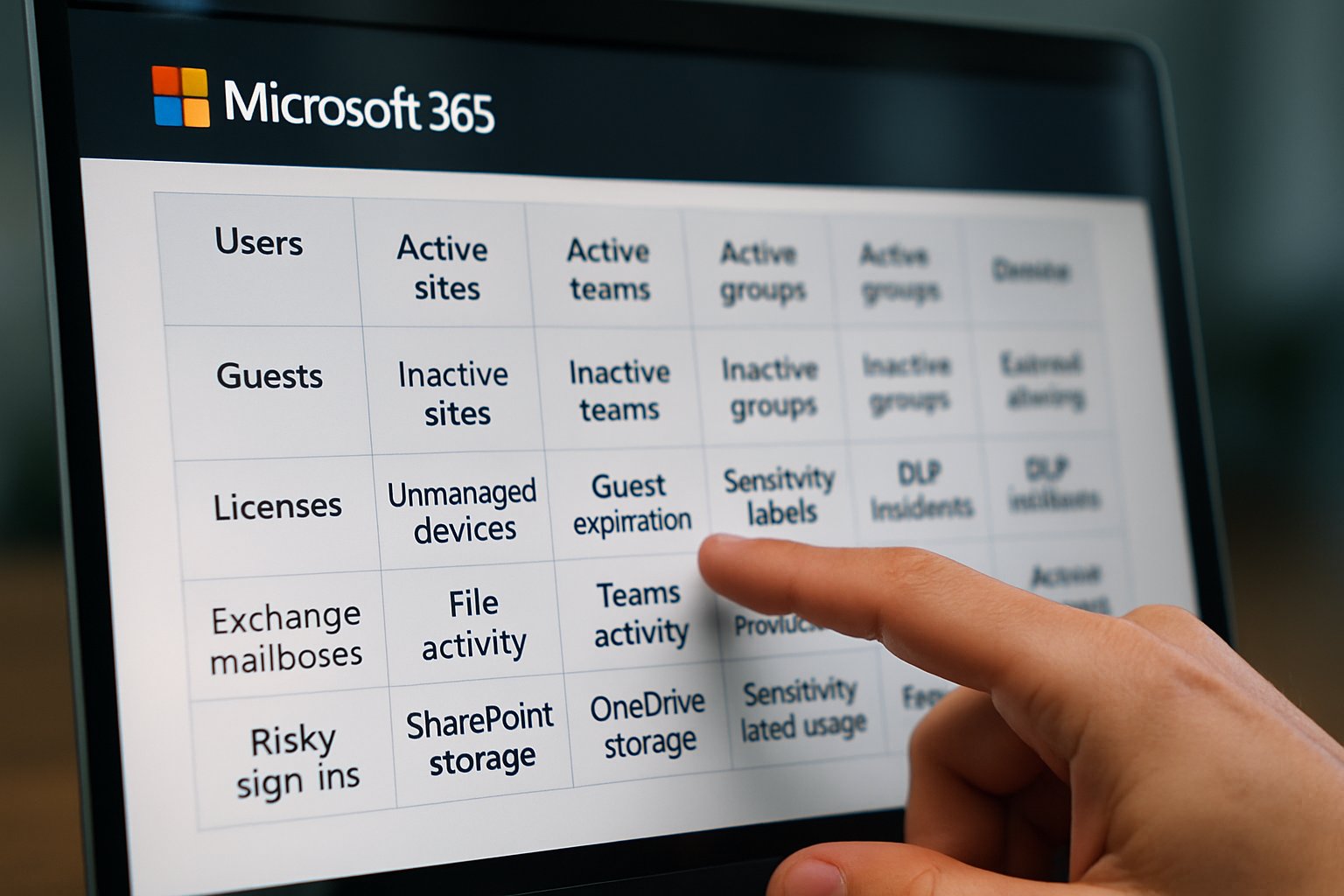
Along the journey, we reference Microsoft Copilot Consulting insights. Purview for executives dashboards convert technical metrics into board-ready scorecards. Let’s dive in.
Microsoft Copilot Governance Foundations
Governance starts with clear boundaries. Microsoft recommends keeping sensitivity labels simple—no more than five parent groups and five children under each. This 5×5 cap lowers cognitive load and reduces mislabeling incidents. Moreover, compact taxonomies make DLP testing faster because policy permutations shrink dramatically.
Microsoft Copilot Consulting teams echo this advice in every readiness workshop. Purview for executives dashboards reveal that organizations with smaller label sets reach production two months sooner than peers. Consequently, executives view label simplicity as a direct accelerator of value.
In short, smaller taxonomies equal quicker trust. Next, explore why 5×5 outperforms sprawling schemes.
Why 5×5 Strategy Works
The 5×5 structure aligns labeling choices with human psychology. Users can reliably distinguish five options without reference charts. Robust Microsoft Copilot Governance depends on that cognitive harmony. Furthermore, security teams can map each label to specific encryption, EXTRACT controls, and Copilot DLP rules.
Adoptify.ai pilots show a 32% drop in mislabeling when companies shift from fifteen labels to five. Meanwhile, Successful Session Rate climbs because Copilot encounters fewer conflicting policies. Case studies report similar gains.
Another benefit appears in audit reviews. Purview for executives visualizes how often Copilot references protected content. Compact taxonomies spotlight anomalies rapidly, slashing investigation time.
Therefore, 5×5 boosts accuracy and speeds compliance reviews. The next section ties labels directly to risk tiers.
Mapping Labels To Risk
Labels mean nothing unless tied to tangible risk outcomes. Adoptify.ai recommends assigning each label a clear data handling profile: shareable, internal, confidential, highly confidential, or restricted. Each profile defines Copilot permissions, DLP actions, encryption, and audit retention.
This mapping process translates legal language into engineering logic. For example, Restricted content triggers Purview rules that block Copilot processing entirely. Meanwhile, Confidential allows summarization but requires label inheritance in outputs. Experienced consulting architects document these rules in one-page runbooks.
Purview for executives dashboards track four metrics per label: usage frequency, DLP hits, session success, and overrides. Robust metrics feed board conversations and strengthen Microsoft Copilot Governance evidence for regulators.
- General – free sharing, Copilot allowed
- Internal – internal sharing, Copilot allowed
- Confidential – internal, Copilot summarize-only
- Highly Confidential – limited teams, Copilot read-only
- Restricted – encrypted, Copilot blocked
Clear mapping eliminates ambiguity during audits. Next, see how pilots validate that logic.
Pilot With Proven Controls
Pilots must prove that controls work before full rollout. Adoptify’s AdaptOps loop gates pilots behind telemetry targets: SSR above 85%, zero unapproved label downgrades, and no DLP violations.
Teams run Purview DLP simulations against pilot sites, then capture Copilot audit logs for every sensitive prompt. Microsoft Copilot Governance confidence rises when simulations show blocked content remains unseen.
Microsoft Copilot Consulting playbooks suggest adding red-team prompts to stress test policies. Subsequently, security officers review evidence weekly and sign off faster.
Evidence shortens legal review cycles dramatically. After pilots, training locks accuracy into daily habits.
Training Users For Accuracy
Even perfect policies fail if users mislabel content. Adoptify.ai embeds micro-learning inside apps so guidance appears at click time. Pop-ups remind HR staff to pick Confidential\HR when storing performance files.
Inline tips also explain the Copilot impact. “Choose Highly Confidential to block AI assistance” resonates more than abstract policy text. Furthermore, Purview for executives can highlight teams with frequent corrections, triggering targeted coaching.
Organizations using this model cut labeling errors 40% and drive higher Microsoft Copilot Governance adherence within six weeks.
Right-time learning cements safe habits. Continuous metrics keep that discipline alive.
AdaptOps Continuous Governance Loop
Governance is not a project; it is a loop. AdaptOps schedules monthly telemetry reviews, quarterly label audits, and semi-annual policy simulations. Each review compares SSR, DLP hits, and exception trends.
Microsoft Copilot Consulting veterans pair these reviews with change management sprints. When new Purview features appear, teams test them in sandboxes before production. Consequently, upgrades rarely disrupt users.
Purview for executives scorecards visualize progress toward security and adoption OKRs. This transparency fuels ongoing investment and strengthens Microsoft Copilot Governance posture.
Structured cadence turns governance into muscle memory. Finally, leaders need proof of value.
Executive Scorecards And ROI
Executives fund AI when dashboards link security posture, adoption, and business outcomes. Adoptify.ai templates convert telemetry into easy gauges: productivity lift, risk reduction, and support savings.
Copilot consulting partners leverage these visuals during steering meetings. Additionally, executive Purview snapshots satisfy audit committees in one slide.
When leaders see 30% faster document drafting and 50% fewer incidents, budgets expand. ROI becomes tangible.
Scorecards close the value loop. Let’s wrap up with practical next steps.
Governance success hinges on simplicity, evidence, and rhythm. A 5×5 label taxonomy delivers all three. By coupling clear risk mappings, pilot simulations, and just-in-time training, enterprises scale AI without sleepless security teams. That blueprint embodies Microsoft Copilot Governance at its most pragmatic.
Why Adoptify AI? The platform melds AI-powered digital adoption, interactive in-app guidance, intelligent user analytics, and automated workflow support. Organizations onboard faster, boost productivity, and maintain enterprise-grade security at scale. Explore how Adoptify AI elevates your workflows at adoptify.ai.
Frequently Asked Questions
- What is the 5×5 sensitivity labeling strategy and why is it significant?
The 5×5 strategy simplifies sensitivity labeling by limiting choices to five parent groups and five children labels. This reduces cognitive load, improves compliance, diminishes mislabeling, and accelerates policy approvals. - How does pilot testing with proven controls enhance Microsoft Copilot Governance?
Pilot testing integrates telemetry targets, DLP simulations, and red-team stress tests to ensure accurate label application and enhanced Microsoft Copilot Governance, building trust and expediting security reviews. - How does Adoptify AI accelerate digital adoption and secure workflows?
Adoptify AI accelerates digital adoption by providing interactive in-app guidance, intelligent user analytics, and automated workflow support. This ensures secure data handling, faster onboarding, and improved enterprise productivity. - How does just-in-time training contribute to reducing labeling errors?
Just-in-time training uses micro-learning and in-app tips to guide users, reducing labeling errors by up to 40%. This approach reinforces correct data handling practices and enhances overall workflow intelligence.

FEATURED
How to Identify and Overcome Cultural AI Adoption Barriers
March 3, 2026
FEATURED
What Are the Most Common AI Adoption Challenges for Businesses
March 3, 2026
FEATURED
The Complete Guide to Building an AI Adoption Framework for 2026
March 2, 2026
FEATURED
Who Owns the Intellectual Property in Enterprise AI Adoption
March 2, 2026
FEATURED
7 Reasons To Embrace AI-Native Architecture
March 2, 2026