Artificial intelligence adoption: Inbox zero with Copilot
Email still swallows workdays despite waves of new collaboration apps. Knowledge workers lose about eleven hours weekly inside messy inboxes. Consequently, leaders hunt for practical automation that returns focus time instantly. Artificial intelligence adoption now promises an actionable answer.
Microsoft Copilot for Outlook steps forward with summarization, drafting, and auto-triage. However, technology alone cannot deliver sustained inbox zero across an enterprise. Enterprises need governance, measurement, and behavior redesign to unlock full returns.
This article outlines an operating blueprint drawn from Adoptify AdaptOps engagements. We connect Copilot capabilities, Purview controls, and change programs into one repeatable playbook. Read on to learn how your organization can reach inbox zero responsibly.
Artificial Intelligence Adoption Gains
First, consider the pressure cited in Microsoft’s Work Trend Index. Workers process around 150 emails daily and switch contexts every few minutes. That churn drives fatigue and crushes deep work capacity.
Early Copilot pilots show people reading eleven percent fewer emails within weeks. Furthermore, some teams reclaim up to forty-five percent of their email time. Those results prove business value exists when guidance aligns with artificial intelligence adoption goals.
Inbox overload wastes hours and fuels burnout. Pilot data confirms Copilot can claw back meaningful capacity quickly. Next, we explore the features that make those savings possible.
Copilot Inbox Power Features
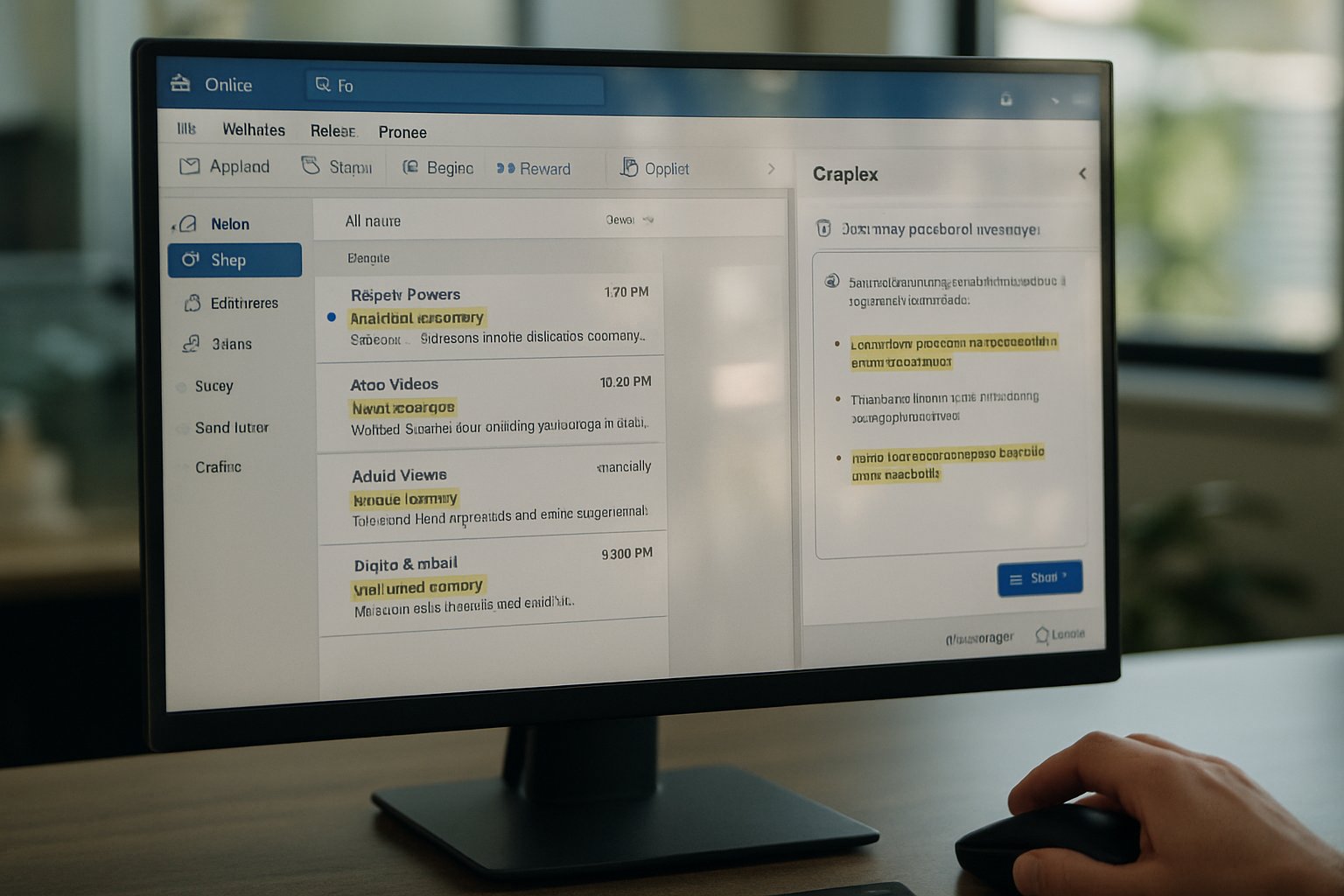
Microsoft Copilot for Outlook bundles four high-impact capabilities. Summaries condense long threads into digestible story cards. Priority view surfaces messages needing action while hiding noise. Draft assist generates context-aware replies within seconds. Scheduling commands create meetings from natural language chat.
Additionally, adaptive action cards propose quick replies, task creation, or delegation suggestions. These cards blend calendar, Teams, and Planner data for richer automation. Microsoft Copilot for Outlook integrates naturally with existing retention and DLP controls.
Copilot gives workers a co-pilot that speeds triage and reduces decision fatigue. It supplies the technical foundation for sustainable inbox zero. However, without governance, those features might raise compliance alarms or user distrust.
Governance Comes First Always
Security teams often block mail access until they see concrete controls. Purview sensitivity labels, DLP policies, and retention rules now govern Copilot conversations effectively. Adoptify begins every engagement with a discovery that maps sensitive data pathways.
Subsequently, the team simulates policy matches during a controlled pilot. Auditors review logs showing blocked and allowed scenarios before broader rollout. This governance-first stance satisfies compliance while accelerating artificial intelligence adoption momentum.
Strong governance removes licensing roadblocks and executive hesitation. Early alignment with CISO offices speeds future scale. With risks addressed, organizations can design a high-value pilot confidently.
Pilot Design Blueprint Steps
Adoptify champions a six-week pilot targeting one high-velocity business unit. For example, a 100-user sales pod offers measurable email metrics and clear KPIs. Microsoft Copilot for Outlook seats activate only for that cohort during evaluation.
- Map baseline time-in-inbox and response benchmarks.
- Deploy preset prompt templates for common replies.
- Enable human approval for drafts outside templates.
- Instrument dashboards tracking triage speed and security hits.
- Hold weekly change workshops reviewing metrics and habits.
Together, these steps create a controlled sandbox with measurable outcomes. Artificial intelligence adoption gains credibility when numbers move, not when hype spreads.
Secure Prompt Template Playbook
Templates reduce hallucination risk and standardize tone across customer communications. Moreover, they help new hires ramp faster by embedding domain best practices. Governance monitors template usage and flags deviations for review.
A structured pilot balances speed, control, and learning. Clear KPIs and templates keep experiments grounded in reality. Once the pilot proves value, AdaptOps scales results across the enterprise.
Scale Fast With AdaptOps
AdaptOps organizes rollout into acceleration and transformation waves. Wave one expands seats to adjacent teams while champion networks spread good practices. Wave two consolidates legacy email plugins, freeing budget for additional Copilot licenses.
Furthermore, AdaptOps dashboards broadcast real-time time savings and draft acceptance rates. Executives view cost avoidance and employee sentiment in one portal. This transparency fuels executive sponsorship and continued artificial intelligence adoption investment.
AdaptOps turns isolated success into repeatable enterprise muscle memory. Program cadence and data visibility protect momentum amid competing priorities. Leaders still need proof of economic impact, so measurement becomes critical next.
ROI Tracking And Measurement
Adoptify uses Forrester TEI models to translate time savings into financial returns. Inputs include reduced email labor, tool rationalization, and lower onboarding friction. Microsoft Copilot for Outlook telemetry feeds dashboards automatically for daily insight.
Consequently, finance teams see NPV and payback periods before renewal discussions begin. Organizations often project fifty-to-three-hundred percent ROI over three years when scaling Copilot. Artificial intelligence adoption gains further credibility when CFOs validate those projections.
Inbox habits die hard without intentional support. Role-based microlearning teaches staff when and how to trust Copilot suggestions. Subsequently, champion circles share success stories and troubleshoot friction weekly.
Adoptify certification pathways reward employees who demonstrate measurable inbox improvements. Gamified leaderboards showcase individuals reaching consistent inbox zero first. These social signals accelerate artificial intelligence adoption across hesitant populations.
Measured ROI turns AI from experiment to budgeted program. Finance alignment protects licenses during downturns. We conclude with a concise recap and an action plan for readers.
Inbox zero becomes realistic when governance, pilots, scale, measurement, and habits align. Microsoft Copilot for Outlook supplies the engine; AdaptOps supplies the roadmap. Combined, they convert reclaimed minutes into measurable financial gains. Artificial intelligence adoption wins when leaders treat automation as an operating model, not a gadget.
Adoptify 365 delivers AI-powered digital adoption at enterprise scale. Interactive in-app guidance speeds onboarding while intelligent analytics reveal usage bottlenecks instantly. Automated workflow support eliminates repetitive clicks and boosts productivity daily. Furthermore, platform security meets SOC-2 and GDPR expectations, pleasing IT teams. Organizations gain faster onboarding, higher productivity, and governed growth without extra overhead. With Adoptify, artificial intelligence adoption scales safely across all workflows. Visit Adoptify.ai to amplify Copilot success today.
Frequently Asked Questions
- How does Microsoft Copilot for Outlook contribute to achieving inbox zero?
Microsoft Copilot uses AI to summarize threads, draft replies, and auto-triage emails, effectively filtering noise and reducing decision fatigue. This automation streamlines workflow and boosts productivity, helping teams reach inbox zero. - How does Adoptify’s AdaptOps framework support digital adoption?
Adoptify’s AdaptOps framework integrates AI-driven in-app guidance, user analytics, and automated support. It delivers measurable time savings and productivity gains, enabling smoother digital adoption and scalable workflow improvements. - Why is governance key in AI-driven email automation?
Strong governance ensures compliance and security by integrating Purview controls and DLP policies. It builds trust in AI features, guiding controlled pilot rollouts and sustainable digital adoption while minimizing compliance risks. - What role do in-app guidance and user analytics play in workflow intelligence?
In-app guidance and user analytics offer real-time onboarding and measurable performance insights. They empower teams to streamline workflows, eliminate repetitive tasks, and make data-driven decisions to enhance overall productivity.

FEATURED
Artificial intelligence adoption: myths leaders must crush
February 3, 2026
FEATURED
Establishing Ethical Artificial Intelligence Adoption Guidelines
February 3, 2026
FEATURED
Artificial Intelligence Adoption: Models, Skills, ROI
February 3, 2026
FEATURED
20-Point Artificial Intelligence Adoption Readiness Checklist
February 3, 2026
FEATURED
Artificial intelligence adoption: AdaptOps for SMB Scale
February 3, 2026