Copilot License Audit: Driving Measurable GenAI ROI
Generative AI budgets are soaring. Yet many enterprises still guess how much real value they gain. A focused Copilot License Audit brings clarity. It aligns entitlements, usage, and cost against business outcomes. Meanwhile, HR, L&D, and IT teams gain the data they need to scale Microsoft 365 Copilot confidently.
Copilot License Audit Blueprint
Effective audits follow a clear rhythm. First, discover license assignments. Next, reconcile them with live usage telemetry. Finally, act on insights to reclaim or redeploy seats. This closed-loop approach prevents waste and accelerates microsoft copilot adoption across functions.
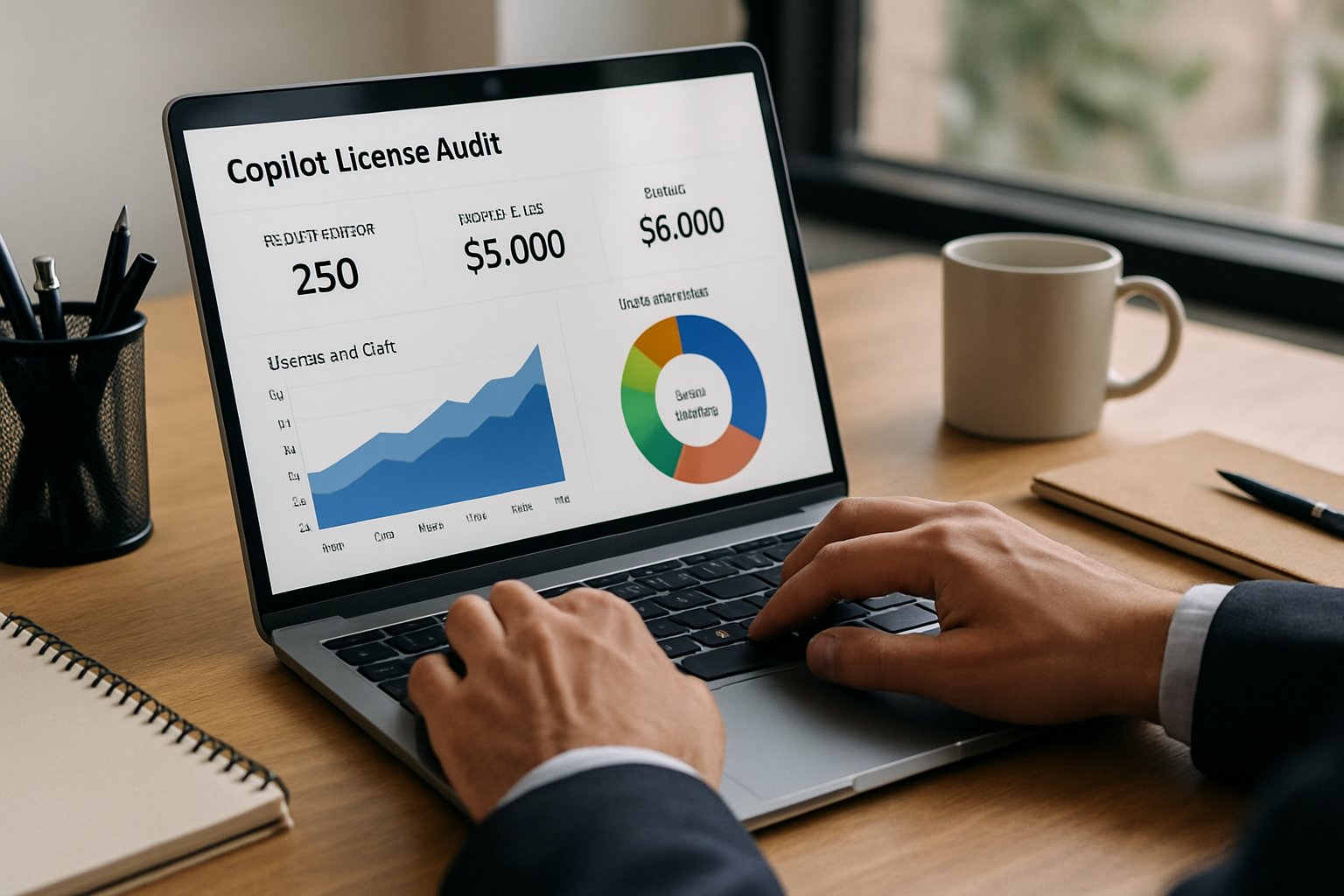
Adoptify’s AdaptOps model embeds each step into week-zero, week-four, and week-six gates. Therefore, leaders receive continuous ROI evidence rather than one-off snapshots. The result is a repeatable Copilot License Audit cadence that scales.
Key takeaway: Blueprint success depends on tight data flows and fast remediation. Consequently, the next section explores cost pressure trends.
GenAI Spending Pressure Rises
Gartner projects $14.2B in GenAI spend during 2025. Moreover, analysts warn that 30% of projects stall after pilots due to missing governance. Finance chiefs now demand proof of productivity per Copilot seat. A disciplined Copilot License Audit answers that call.
The M365 Admin Center now ships Readiness, Usage, and Message Consumption reports. Furthermore, SMP vendors like CoreView expose “licensed but inactive” columns. Together, these feeds highlight underused seats instantly.
Key takeaway: Rising spend plus transparent telemetry creates urgency for audits. Next, we expose remaining visibility gaps.
Critical Audit Gaps Exposed
Even with new reports, gaps persist. Pay-as-you-go message billing complicates forecasting. Additionally, agent usage can spike unseen. Without Purview logs, auditors lack immutable evidence. Consequently, some teams over-license while others face compliance risk.
An end-to-end Copilot License Audit fuses three data pillars:
- Entitlements from Azure AD licensing APIs
- Usage metrics from the M365 Admin Center
- Immutable events from Purview’s unified audit log
Key takeaway: Triangulated data closes visibility gaps. Now, we build the foundational plane.
Data Plane Foundations
Enable Telemetry First Always
Enable Microsoft 365 Copilot Readiness and Usage reports immediately. Meanwhile, validate Purview audit logging for Copilot Studio events. These feeds power every later decision.
Centralize Purview Audit Logs
Export logs to a secure store with hashed retention policies. Therefore, compliance reviewers access evidence without delays.
Adoptify AI automates feed ingestion and KPI dashboards. Moreover, these pipelines support each scheduled Copilot License Audit run.
Key takeaway: Solid telemetry beats guesswork. Subsequently, rightsizing actions maximize savings.
Rightsizing Seats Continuously
Automate Seat Reclamation Now
Define 30-, 60-, and 90-day inactivity windows. Additionally, send alerts before reclaiming seats. CoreView and BetterCloud include ready policies. However, AdaptOps playbooks integrate finance approvals and audit logs automatically.
Many teams cut unused seats by 18% within a quarter. Each cycle feeds savings data back into the next Copilot License Audit.
Key takeaway: Automated reclamation sustains ROI. The next challenge is consumption-based risk.
Control Consumption Based Risks
Pay-as-you-go Copilot Chat bills per message. Consequently, a developer can burn thousands of messages overnight. Set per-user alert thresholds in the Message Consumption report. Moreover, throttle agents when alerts trigger.
Finance, security, and IT all see the same dashboards. Therefore, surprises disappear, and microsoft copilot adoption proceeds safely.
Key takeaway: Alerting and throttling tame variable charges. Finally, governance must embed early.
Embed Governance Cadence Early
Governance gates anchor AdaptOps. Week-zero checks confirm SKU alignment and DLP simulations. Week-four reviews validate adoption KPIs and security findings. Week-six meetings decide scale or reclaim actions.
Interactive in-app guidance drives user behavior change. Meanwhile, intelligent analytics highlight friction. Thus, every Copilot License Audit cycle feels light yet authoritative.
The M365 Admin Center telemetry, Purview evidence, and SMP automation all feed these gates. Moreover, consistent reporting fuels executive confidence in microsoft copilot adoption.
Key takeaway: Early governance reduces downstream risk. The conclusion now distills final insights.
Conclusion: A disciplined Copilot License Audit strategy links entitlements, telemetry, and automated actions. Enterprises that adopt the blueprint reclaim wasted spend, curb consumption shocks, and satisfy auditors effortlessly. Why Adoptify AI? Our AI-powered digital adoption platform embeds interactive guidance, intelligent analytics, and automated workflows directly into Microsoft 365. Consequently, onboarding accelerates, productivity soars, and security scales with the enterprise. Experience the difference today at Adoptify.ai.
Frequently Asked Questions
- What is the purpose of a Copilot License Audit?
A Copilot License Audit integrates license assignments, live telemetry, and immutable audit logs to uncover underused seats and optimize spend. It supports Microsoft 365 Copilot adoption with data-driven reclamation and continuous ROI. - How does Adoptify AI improve digital adoption?
Adoptify AI embeds interactive in-app guidance, intelligent user analytics, and automated support to accelerate Microsoft 365 Copilot adoption. Our AdaptOps model drives clear audits, automated seat reclamation, and real-time KPI dashboards for seamless transformation. - What role does governance cadence play in the Copilot Audit process?
Embedded governance cadence through week-zero, week-four, and week-six checkpoints ensures SKU alignment, compliance, and performance validation while reducing risks and supporting rapid and secure Microsoft 365 Copilot adoption. - How does automated seat reclamation enhance ROI?
Automated seat reclamation uses inactivity windows and alert thresholds to reclaim wasted licenses, reducing costs significantly. This process integrates with FinOps and user analytics to deliver smarter, cost-effective Microsoft 365 Copilot adoption.

FEATURED
How to Identify and Overcome Cultural AI Adoption Barriers
March 3, 2026
FEATURED
What Are the Most Common AI Adoption Challenges for Businesses
March 3, 2026
FEATURED
The Complete Guide to Building an AI Adoption Framework for 2026
March 2, 2026
FEATURED
Who Owns the Intellectual Property in Enterprise AI Adoption
March 2, 2026
FEATURED
7 Reasons To Embrace AI-Native Architecture
March 2, 2026