Essential Copilot Deployment Checklist for Enterprise IT Teams
Every IT leader feels the generative AI surge. However, turning excitement into production demands discipline. A structured Copilot Deployment separates safe innovation from chaotic sprawl.
Moreover, enterprises run multiple pilots yet stall during scale. The Adoptify.ai AdaptOps model fixes that gap. This guide presents the Ultimate Microsoft Copilot Deployment Checklist for IT, aligned to Microsoft guidance and field experience.
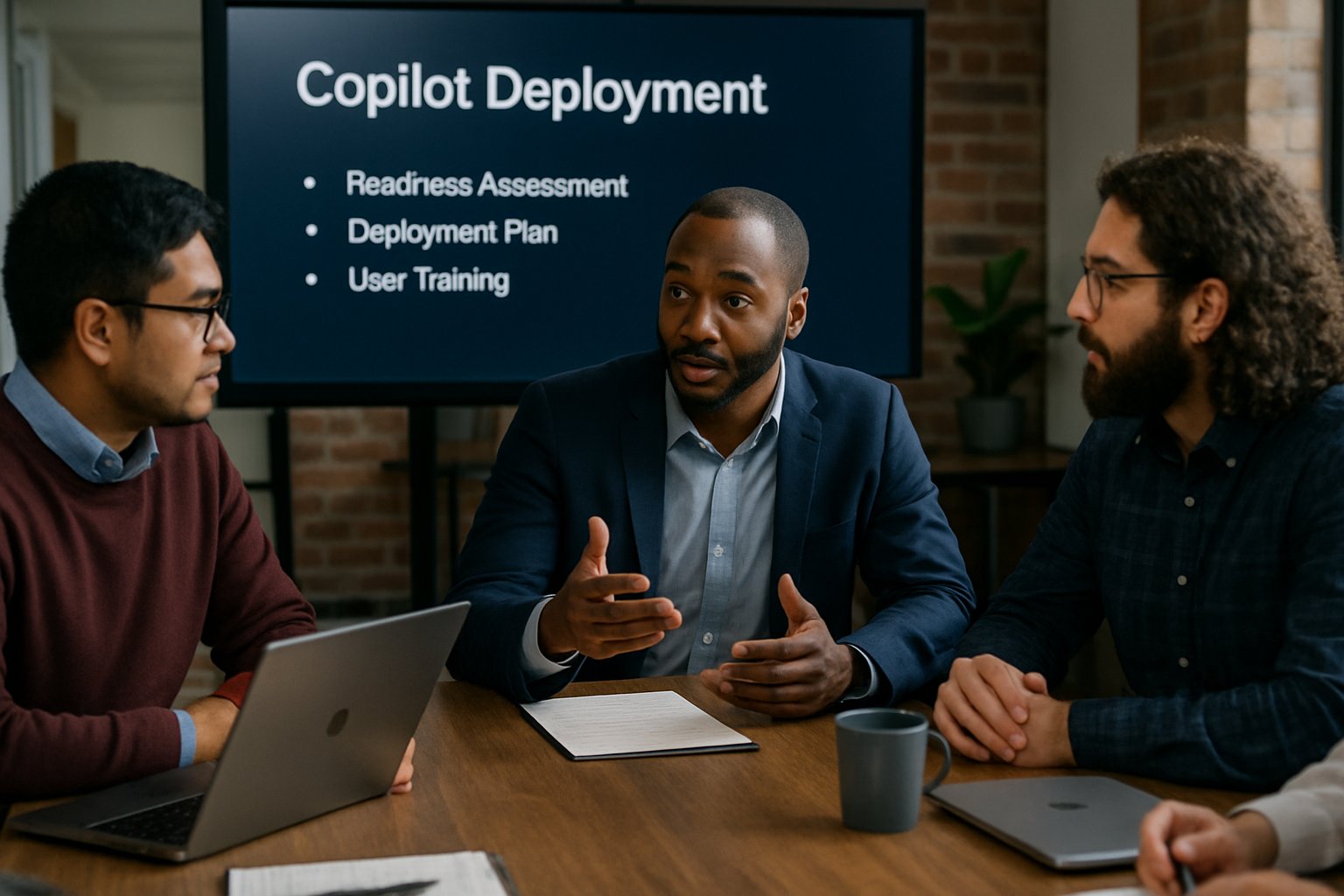
Consequently, you will learn readiness steps, security controls, KPI tracking, and change tactics. By following each step, HR, L&D, SaaS, and enterprise ops teams minimize risk and maximize ROI.
Therefore, bookmark this checklist before starting any M365 Pilot Program. It aligns Microsoft Copilot implementation phases with governance-first AdaptOps gates. Additionally, it illustrates a repeatable Microsoft Copilot training strategy for lasting success.
Meanwhile, emerging standards such as ISO 42001 demand documented controls. Adoptify.ai simplifies that burden by automating evidence capture tied to each checklist item.
Holistic Copilot Deployment Overview
Successful Copilot Deployment demands more than a license flip. First, align discovery, pilot, scale, embed, and govern phases with an AdaptOps cadence.
Moreover, Microsoft 365 Copilot deployment guidance stresses data hygiene, policy simulation, and cross-functional governance. Consequently, the checklist mirrors Microsoft Copilot readiness tasks to avoid last-minute blockers.
Use this Microsoft Copilot Deployment Checklist as your living project plan.
In summary, a staged model keeps risk contained and ROI visible. Next, dive into readiness specifics.
Copilot Readiness Essentials
Readiness scans stop future crises. Start with a tenant-wide inventory of licenses, connectors, external shares, and orphaned accounts.
Furthermore, remediate permission sprawl before enabling any generative AI. Strong Microsoft Copilot readiness avoids embarrassing data leaks.
This step aligns with every M365 Pilot Program and meets security team expectations. Next, form a steering committee covering IT, security, legal, HR, finance, and business units.
Moreover, map license SKUs, ECIF funding, and cost-to-scale models early.
- Copilot readiness report and remediation backlog.
- Pilot charter covering scenarios, cohort, KPIs.
- Purview classification baseline and policy simulation outputs.
- Entra RBAC and Conditional Access mapping.
These artifacts anchor your Microsoft Copilot Deployment Checklist. Consequently, the pilot phase starts with confidence.
Secure Pilot Blueprint
A well-defined pilot safeguards data while proving value. Limit scope to 50-200 users across one or two scenarios.
Additionally, create sandbox and production environments in Copilot Studio and the Power Platform. Grant least privilege using Microsoft Entra roles and Conditional Access.
Moreover, enforce Purview labels, DLP policies, and audit logging before user enablement. Run policy simulation and prompt injection tests to validate protections.
- Task completion time saved per ticket.
- Minutes saved per document draft.
- User satisfaction rating uplift.
- DLP incidents per 1000 prompts.
This secure Copilot Deployment phase lasts four to eight weeks. Therefore, the secure pilot produces data-driven evidence for microsoft copilot adoption funding. Next, learn how to measure impact quickly.
Measure Value Rapidly
Without metrics, enthusiasm fades. Track baseline and ongoing KPIs using Adoptify ROI dashboards or Forrester TEI templates.
Consequently, executives see numbers instead of anecdotes. During Copilot Deployment, link metrics directly to user stories for credibility.
For Microsoft Copilot implementation pilots, report low, medium, and high ROI scenarios. Moreover, include time saved, ticket deflection, and content quality metrics in every deck.
Validated KPIs accelerate microsoft copilot adoption decisions. Subsequently, you can scale with fewer objections.
Scale With AdaptOps
Scaling introduces drift, cost, and security exposure. Therefore, release Copilot features in controlled waves by business unit and region.
Feature flags, staged enablement, and automated policies keep environments consistent. Meanwhile, quarterly AdaptOps reviews examine ROI dashboards, DLP hits, and compliance evidence.
M365 Pilot Program lessons feed back into every release gate. Each wave represents a distinct Copilot Deployment milestone with signed governance approvals.
As a result, Microsoft 365 Copilot deployment scales without chaos. Next, sustain adoption through targeted training.
Training For Sustained Adoption
Technology fails when humans stall. Therefore, launch a Microsoft Copilot training strategy that blends role-based sessions and in-app guidance.
Moreover, champion communities share prompt templates, agent recipes, and success stories across departments. Adoptify.ai supplies interactive walkthroughs and AdaptOps certification paths for ongoing skill refresh.
- Monthly champion roundtables.
- Quarterly refresher webinars.
- Just-in-time microlearning inside Teams.
Consequently, Microsoft Copilot readiness stays high while turnover remains low. Finally, close the loop with continuous assurance.
Continuous Assurance Steps
Regulators and auditors request evidence, not slideware. Enable unified audit logging for prompts, responses, and agent actions.
Additionally, forward events to Sentinel or Splunk for correlation. Instrument policy simulation APIs to capture control drift automatically.
Moreover, map controls to ISO 42001 and maintain a living compliance matrix. Logs must cover your Microsoft 365 Copilot deployment end-to-end.
Auditors reference the Copilot Deployment evidence packet generated by AdaptOps tooling. Thus, audits become straightforward and funding remains justified. The checklist concludes below.
The ultimate Copilot Deployment Checklist guides IT teams from discovery to continuous assurance. You learned how readiness scans, secure pilots, and KPI dashboards drive reliable microsoft copilot adoption. AdaptOps scaling, training, and evidence controls reinforce long-term value.
Why Adoptify AI? The platform fuses AI-powered digital adoption, interactive in-app guidance, intelligent user analytics, and automated workflow support. Consequently, enterprises realize faster onboarding, higher productivity, and secure, scalable operations across every Microsoft 365 Copilot deployment. Treat each Copilot Deployment as an opportunity to strengthen governance and culture. Visit Adoptify.ai to accelerate your journey today.
Frequently Asked Questions
- What is the Microsoft Copilot Deployment Checklist and why is it important?
The checklist offers IT leaders a structured plan to safely adopt Microsoft 365 Copilot. It integrates digital adoption with clear readiness scans, security controls, and user analytics to drive scalable ROI. - How does Adoptify AI streamline pilot deployment and secure data?
Adoptify AI leverages automated workflow support and in-app guidance to ensure secure, controlled pilot phases. This includes enforcing policy simulations, DLP protocols, and evidence capture to safeguard data integrity. - What role does user training play in Copilot deployment success?
Effective training, enhanced by role-based sessions and in-app guidance, ensures sustained adoption. Adoptify AI’s interactive walkthroughs and microlearning modules empower users, reducing turnover and boosting overall productivity. - How does Adoptify AI support continuous assurance and compliance?
Adoptify AI automates compliance measures by integrating unified audit logging, ISO 42001 mapping, and real-time dashboard analytics. This continuous assurance approach meets regulatory demands and drives efficient digital adoption.

FEATURED
How to Identify and Overcome Cultural AI Adoption Barriers
March 3, 2026
FEATURED
What Are the Most Common AI Adoption Challenges for Businesses
March 3, 2026
FEATURED
The Complete Guide to Building an AI Adoption Framework for 2026
March 2, 2026
FEATURED
Who Owns the Intellectual Property in Enterprise AI Adoption
March 2, 2026
FEATURED
7 Reasons To Embrace AI-Native Architecture
March 2, 2026