M365 Copilot for CTOs: Governance Blueprint for ROI Rollout
GenAI is racing into every enterprise workflow. Boards now demand measurable wins, not experiments. Consequently, the chief technology officer stands at the frontline. Adopting M365 Copilot for CTOs means aligning strategy, security, and culture in weeks, not years.
However, the path is complex. Licensing nuances, data risks, and change fatigue threaten benefits. Moreover, rapid product updates introduce multi-agent features and API surfaces each quarter. This article delivers a field-tested blueprint shaped by Microsoft guidance and Adoptify AI AdaptOps projects.
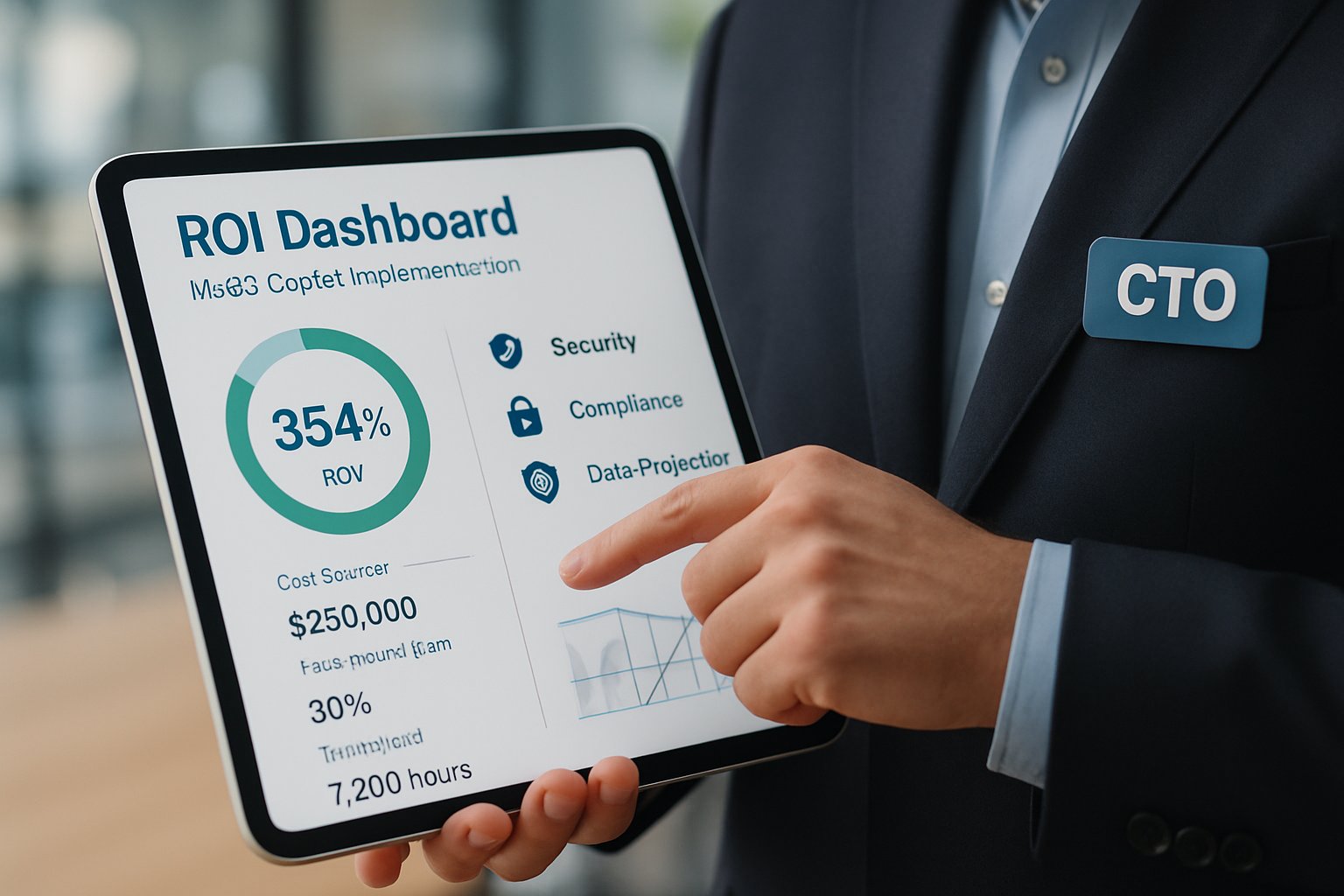
Each section clarifies a core responsibility, references best practice, and flags common pitfalls. Follow the sequence to accelerate value, secure funding, and delight users. Let’s dive in.
M365 Copilot for CTOs
Enterprise AI now shifts from pilot hype to operational fabric. Consequently, boards assign the CTO direct accountability for productivity lift and risk guardrails. The mandate spans architecture, funding, and talent enablement.
Successful leaders treat M365 Copilot implementation as a platform program, not an add-on. They align adoption goals with strategic OKRs before the first license purchase. Furthermore, they establish a small AI Council to streamline decisions across security, HR, and finance.
M365 Copilot for CTOs also means owning telemetry pipelines and ROI storytelling. Therefore, architects must expose usage data, minutes saved, and agent costs to executives. This section sets the stage for the governance framework that follows.
Governance First Framework Essentials
Governance drives trust, speed, and scale. Adoptify AI positions a governance-first cadence called AdaptOps. It maps to Microsoft’s Discover, Pilot, Scale, and Embed gates.
Firstly, create a shared risk matrix with CISO sign-off before any production tenant change. Secondly, simulate Purview DLP policies and document results. Subsequently, approve only the data domains that pass simulated attacks.
This approach simplifies M365 Copilot adoption because security questions vanish early. Moreover, it accelerates finance approvals by proving guardrails upfront. Adoptify AI’s AdaptOps templates reduce preparation time by 40% in field reports.
AdaptOps Loop Core Stages
- Discover: Assess tenant readiness, map licenses, and rank high-value use cases.
- Pilot: Launch 50-200 users, connect Copilot Dashboard, and gather proof of effect.
- Scale: Expand training, integrate agents, and enforce tiered governance controls.
- Embed: Bake prompts into SOPs, optimize quarterly, and measure ROI continuously.
In short, governance eliminates rework and de-risk scale. Consequently, projects clear executive gates faster. Next, we tackle data and security.
Data And Security Guardrails
Copilot cannot succeed if data leaks. Therefore, CTOs must embed security as code within every pipeline. Microsoft now offers policy simulation APIs that surface DLP gaps pre-deployment.
Adoptify AI integrates those APIs into its AdaptOps playbooks. This integration shortens security approval cycles by 30% according to field metrics. Additionally, it standardizes evidence for audit teams.
Microsoft 365 Copilot rollout also depends on license alignment with advanced Purview actions. Consequently, procurement, security, and finance must review SKUs together within week one. M365 Copilot implementation teams often lose weeks when that alignment slips.
M365 Copilot for CTOs requires tight identity controls for both humans and agents. Moreover, organizations should apply least-privilege roles, create machine identities, and monitor prompt logs.
Secure data, clear approvals, and aligned licensing form the rollout foundation. With guardrails set, the program can now scale pilots confidently.
Pilot To Scale Acceleration
Microsoft recommends a 50-200 user pilot to validate scenarios quickly. Adoptify AI’s quick-start kits mirror this guidance. They instrument the Copilot Dashboard and tag every session with business KPIs.
During pilots, capture three metrics: usage minutes, task completion time, and error rates. Furthermore, align each metric with Forrester TEI benchmarks for credible ROI projections.
A successful pilot feeds executive QBRs with evidence. This evidence secures funding for full Microsoft 365 Copilot implementation within the same quarter.
M365 Copilot adoption jumps when role-based champions host weekly office hours. Additionally, push micro-learning tips through in-app guidance to sustain momentum.
M365 Copilot for CTOs also demands automation. Therefore, integrate CI/CD pipelines that publish prompt libraries and agent updates without manual steps.
In summary, a data-rich pilot derisks enterprise rollout and unlocks budget. Next, we examine continuous measurement techniques.
Measure Value Relentlessly Always
CTOs win funding when they quantify benefits weekly. Copilot telemetry offers minute-level insights into user behavior. However, numbers alone lack context for finance teams.
Adoptify AI dashboards combine Microsoft signals with business KPIs to create rolling NPV views. Moreover, they mirror Forrester TEI structures, easing executive reviews.
M365 Copilot implementation teams should present three-year scenarios at each QBR. Include reductions in third-party software, faster onboarding, and higher retention.
M365 Copilot for CTOs becomes unstoppable when finance sees rising NPV curves every month. Consequently, licenses, connectors, and headcount receive continued funding.
Measurable value keeps momentum alive. Finally, we discuss lifecycle and cost control.
Lifecycle And FinOps Discipline
After scale, governance focus shifts to sustainability. Custom prompts, agent orchestration, and connectors proliferate rapidly. Therefore, treat every asset as code with versioning and tests.
Integrate agent usage and Azure cost data into FinOps dashboards. Moreover, set thresholds that alert owners when usage spikes.
Microsoft 365 Copilot rollout teams must also plan deprecation policies for stale agents. Subsequently, archive unused prompts to reduce noise and risk.
M365 Copilot adoption matures when organizations embed prompts into SOPs and performance reviews. Additionally, HR can require Copilot proficiency for new hires, closing skill gaps.
Robust M365 Copilot implementation also requires cost discipline post-scale. Continual tuning keeps Microsoft 365 Copilot implementation aligned with evolving objectives.
M365 Copilot for CTOs demands constant tuning. Therefore, schedule quarterly optimization workshops driven by telemetry insights.
Disciplined lifecycle management prevents sprawl and budget overruns. With governance, data, and value covered, leaders can now close the strategic loop.
Conclusion
Microsoft has created a powerful engine for productivity. However, only disciplined leadership unlocks full potential. M365 Copilot for CTOs unites strategy, governance, and culture into one decisive program.
Why Adoptify AI? Because it brings AI-powered digital adoption, interactive in-app guidance, and intelligent user analytics together. It automates workflows, accelerates onboarding, and boosts productivity across every role. Moreover, its enterprise-grade security and AdaptOps governance match Microsoft best practices. Consequently, your Copilot rollout reaches value faster and safer. Explore the platform today at Adoptify AI.
Frequently Asked Questions
- How does M365 Copilot transform enterprise workflows for CTOs?
M365 Copilot integrates AI into workflows, enabling CTOs to align strategy, security, and culture. It harnesses real-time telemetry and in-app guidance to streamline decision-making and boost productivity. - How does Adoptify AI accelerate M365 Copilot implementation?
Adoptify AI speeds up M365 Copilot adoption by offering AdaptOps governance, in-app guidance, and automated support. Its quick-start kits and user analytics reduce onboarding time while ensuring secure, compliant rollouts. - What security and governance measures support M365 Copilot adoption?
Essential measures include robust risk matrices, simulated DLP policies, and least-privilege roles. Adoptify AI integrates these into its framework, ensuring secure data pipelines, compliance, and smooth M365 Copilot deployments. - How does continuous measurement benefit digital adoption strategies?
Continuous measurement via detailed telemetry and user analytics offers weekly insights. This approach drives executive buy-in, optimizes workflows, and ensures digital adoption strategies remain aligned with evolving enterprise objectives.

FEATURED
Who Owns the Intellectual Property in Enterprise AI Adoption
March 2, 2026
FEATURED
7 Reasons To Embrace AI-Native Architecture
March 2, 2026
FEATURED
Hybrid AI FAQ: Strategy, Governance, and ROI
March 2, 2026
FEATURED
Agentic AI Integration Playbook for Enterprises
March 2, 2026
FEATURED
7 Ways AI Integration Redefines Business Automation
March 2, 2026