Microsoft Copilot Training: 5 CEO Use Cases Saving 10 Hours
CEOs juggle meetings, email floods, and data reviews daily. Consequently, many leaders crave an extra workday. Microsoft Copilot Training promises that bonus time. By pairing Copilot’s generative power with governance-first execution, executives can reclaim ten hours weekly and model AI fluency across the enterprise.
Executive Time Pressure Crisis
Board decks, investor briefs, and endless message threads consume leadership hours. Moreover, McKinsey notes that fragmented tasks diminish decision quality. With Artificial intelligence adoption rising, CEOs risk falling behind if they ignore toolkits that automate routine effort.
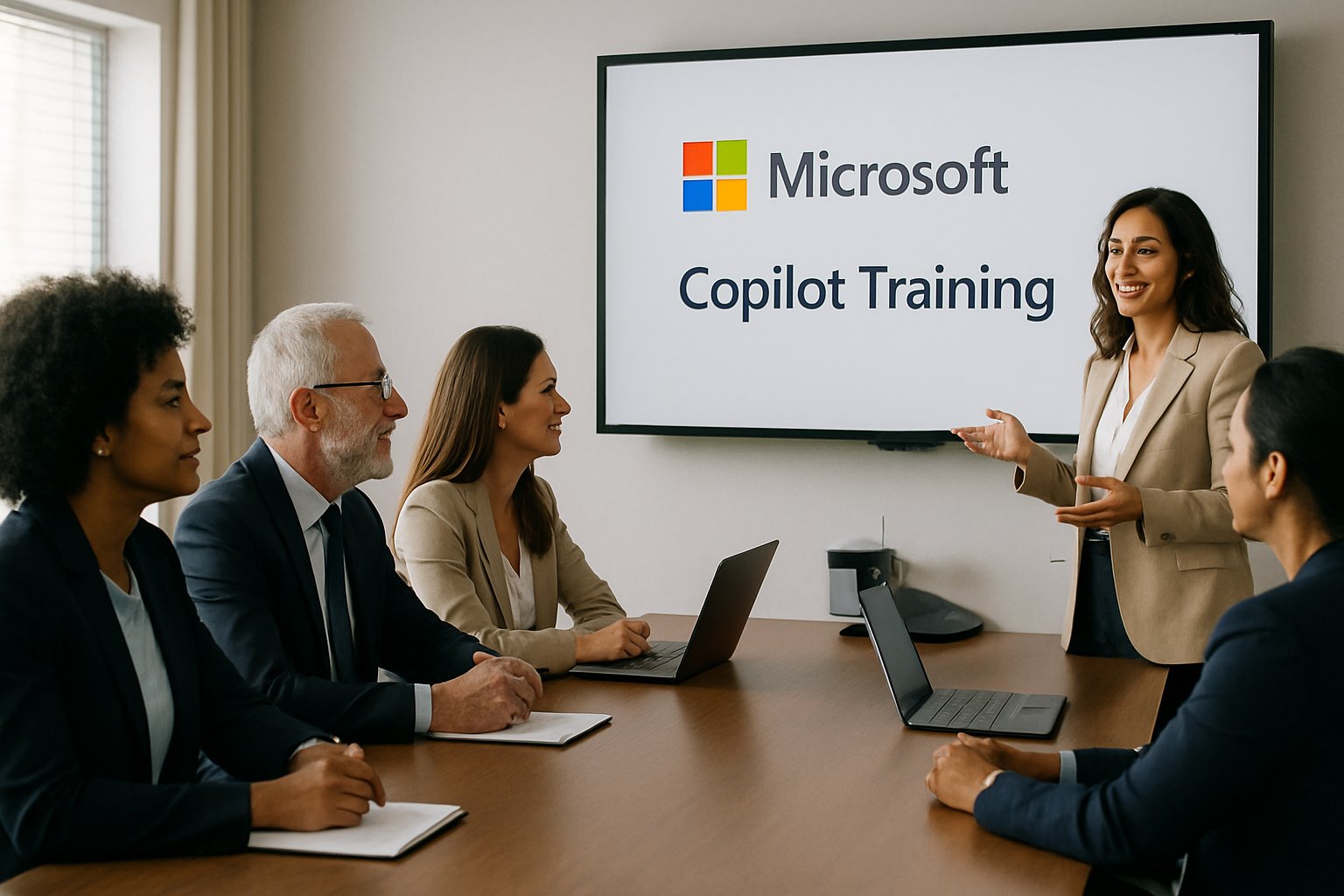
Microsoft now embeds Copilot across Word, Outlook, Teams, and PowerPoint. Therefore, leaders can delegate summarization, drafting, and analysis to AI. Adoptify.ai field pilots show 60–75 minutes saved per user daily when workflows align with Copilot capabilities.
Key takeaway: Executive minutes leak through low-value chores. Hence, eliminating that leakage unlocks strategic focus.
Copilot Value Proof Points
Microsoft earnings reveal 15 million paid Copilot seats and doubling conversation intensity. Additionally, customers like Honeywell report 92 minutes saved weekly. Forrester TEI studies even cite ten-hour weekly savings for sales leaders. These data points prove that disciplined Artificial intelligence adoption creates concrete returns.
However, results rely on targeted pilots. Analysts warn that generic rollouts rarely hit the benchmark. Adoptify’s AdaptOps framework addresses this gap by mapping telemetry, coaching, and governance into every phase.
Key takeaway: Evidence supports Copilot efficiency, yet structured enablement turns promise into profit. Next, understand training.
Microsoft Copilot Training Wins
Focused Microsoft Copilot Training anchors behavior change. First, it teaches prompt patterns tied to executive outcomes. Second, it embeds SOPs inside calendars, inboxes, and chat channels. Therefore, CEOs practice AI tasks where work already happens.
This Microsoft Copilot Training also covers safety rules, ensuring leaders avoid data leaks. Furthermore, Adoptify’s executive coaching layers KPI dashboards over each lesson, so time saved appears in real numbers.
Key takeaway: Purpose-built instruction accelerates mastery while protecting sensitive workflows. Now, review the top use cases.
High-Impact CEO Workflows
The five scenarios below routinely reclaim two hours each. Collectively, they deliver the targeted ten-hour dividend.
- Meeting capture & prep: Copilot creates agendas, surfaces action items, and drafts follow-ups within Teams.
- Inbox triage & drafting: Outlook suggestions let executives prioritize and respond in minutes.
- Investor and board briefs: Business Chat compiles one-page updates from scattered files.
- Presentation generation: PowerPoint transforms briefs into slides, speaker notes included.
- KPI snapshot analysis: Microsoft Copilot for Excel answers “Why did revenue dip?” using natural language.
Moreover, Microsoft Copilot for Excel supports ad-hoc scenario models, turning late-night spreadsheet hunts into five-minute chats.
Key takeaway: Selecting repeatable, high-volume tasks maximizes ROI. Subsequently, build a pilot.
Pilot Program Blueprint Steps
Adoptify recommends a six-week pilot for 50–200 users. Firstly, a Discover workshop ranks CEO workflows. Secondly, Purview simulations confirm governance controls. Thirdly, joint CEO-EA Microsoft Copilot Training sessions run weekly.
During the pilot, telemetry captures minutes saved per workflow and Microsoft Copilot for Excel query counts. Consequently, dashboards display cumulative hour recovery. When the graph flattens, coaches refine prompts until gains resume.
Key takeaway: Short, instrumented pilots validate assumptions quickly. Afterward, reinforce compliance.
Governance And Safety Guardrails
Executives handle sensitive M&A plans and payroll numbers. Therefore, AdaptOps mandates role-based access, DLP rules, and audit trails before scale-out. Copilot can remain productive while respecting policy boundaries.
Furthermore, pre-approved prompt libraries reduce error risk. For example, a “confidential summary” template tags outputs with security classifications automatically. Such patterns sustain trust during Artificial intelligence adoption.
Key takeaway: Robust guardrails let leadership innovate without sleepless compliance teams. Next, measure success.
Scaling Success Metrics Fast
Once pilots hit the ten-hour mark, organizations expand. Adoptify AI dashboards track KPI velocity, decision turnaround, and Microsoft Copilot for Excel utilization. Additionally, monthly QBRs review trend lines and highlight emerging opportunities.
Therefore, CEOs champion new prompt packs across Strategy, Finance, and Legal. Ongoing Microsoft Copilot Training refresher sessions ensure usage strength does not fade.
Key takeaway: Continuous measurement plus refresher coaching turns one-time wins into lasting culture change.
Scaling Success Metrics Fast
Once pilots hit the ten-hour mark, organizations expand. Adoptify AI dashboards track KPI velocity, decision turnaround, and Microsoft Copilot for Excel utilization. Additionally, monthly QBRs review trend lines and highlight emerging opportunities.
Therefore, CEOs champion new prompt packs across Strategy, Finance, and Legal. Ongoing Microsoft Copilot Training refresher sessions ensure usage strength does not fade.
Key takeaway: Continuous measurement plus refresher coaching turns one-time wins into lasting culture change.
Conclusion
Strategic Artificial intelligence adoption, disciplined pilots, and targeted Microsoft Copilot Training enable CEOs to reclaim ten hours each week. Meanwhile, robust governance and clear metrics sustain those gains over time.
Why Adoptify AI? Adoptify AI blends Microsoft Copilot Training with AI-powered digital adoption tools. Interactive in-app guidance accelerates learning, while intelligent user analytics illuminate engagement. Automated workflow support trims friction. Consequently, enterprises onboard faster and hit higher productivity. The platform also scales securely across global teams. Explore the full advantage at Adoptify.ai.
Frequently Asked Questions
- How does Microsoft Copilot Training improve executive productivity?
Microsoft Copilot Training automates routine tasks like meeting prep, email drafting, and data analysis. This targeted approach, combined with in-app guidance and clear KPIs, helps CEOs reclaim valuable time and boost overall workflow efficiency. - What role does Adoptify AI play in digital adoption?
Adoptify AI integrates Microsoft Copilot Training with AI-powered digital adoption tools. Its interactive in-app guidance, intelligent user analytics, and automated support accelerate learning and ensure seamless, secure onboarding across enterprise workflows. - How are governance and safety maintained during AI adoption?
Robust governance is achieved through role-based access, data loss prevention, and audit trails. Pre-approved prompt libraries and secure pilot frameworks ensure that Microsoft Copilot and Adoptify AI keep sensitive workflows compliant while driving AI adoption. - Why are structured pilot programs important for digital transformation?
Structured pilot programs validate assumptions quickly by mapping critical workflows, capturing telemetry, and refining AI prompts. This disciplined approach, supported by KPI dashboards and executive coaching, drives measurable ROI and sustainable digital transformation.

FEATURED
How to Identify and Overcome Cultural AI Adoption Barriers
March 3, 2026
FEATURED
What Are the Most Common AI Adoption Challenges for Businesses
March 3, 2026
FEATURED
The Complete Guide to Building an AI Adoption Framework for 2026
March 2, 2026
FEATURED
Who Owns the Intellectual Property in Enterprise AI Adoption
March 2, 2026
FEATURED
7 Reasons To Embrace AI-Native Architecture
March 2, 2026