Microsoft Copilot Training for Faster Board Packs
Board decks often drain nights and weekends. However, enterprises now have an ally. Microsoft Copilot Training turns raw data, chats, and transcripts into polished board materials in minutes. Consequently, executive assistants and chiefs of staff can reclaim precious hours. This article unpacks practical steps, governance tactics, and ROI proof points. Readers will learn how AdaptOps and Adoptify AI accelerate safe, scalable adoption.
Board Prep Landscape
Board meetings require spotless accuracy and strict confidentiality. Moreover, timelines rarely budge. Copilot in Teams and Outlook now automates the meeting lifecycle: agenda building, pre-read drafts, live note capture, and action summaries. Enterprises seeing 1–4 hours saved weekly per user validate the promise. Microsoft Copilot Consulting engagements often cite these numbers during justification workshops. Forrester’s TEI studies project triple-digit ROI when leaders target high-value workflows such as board packs.
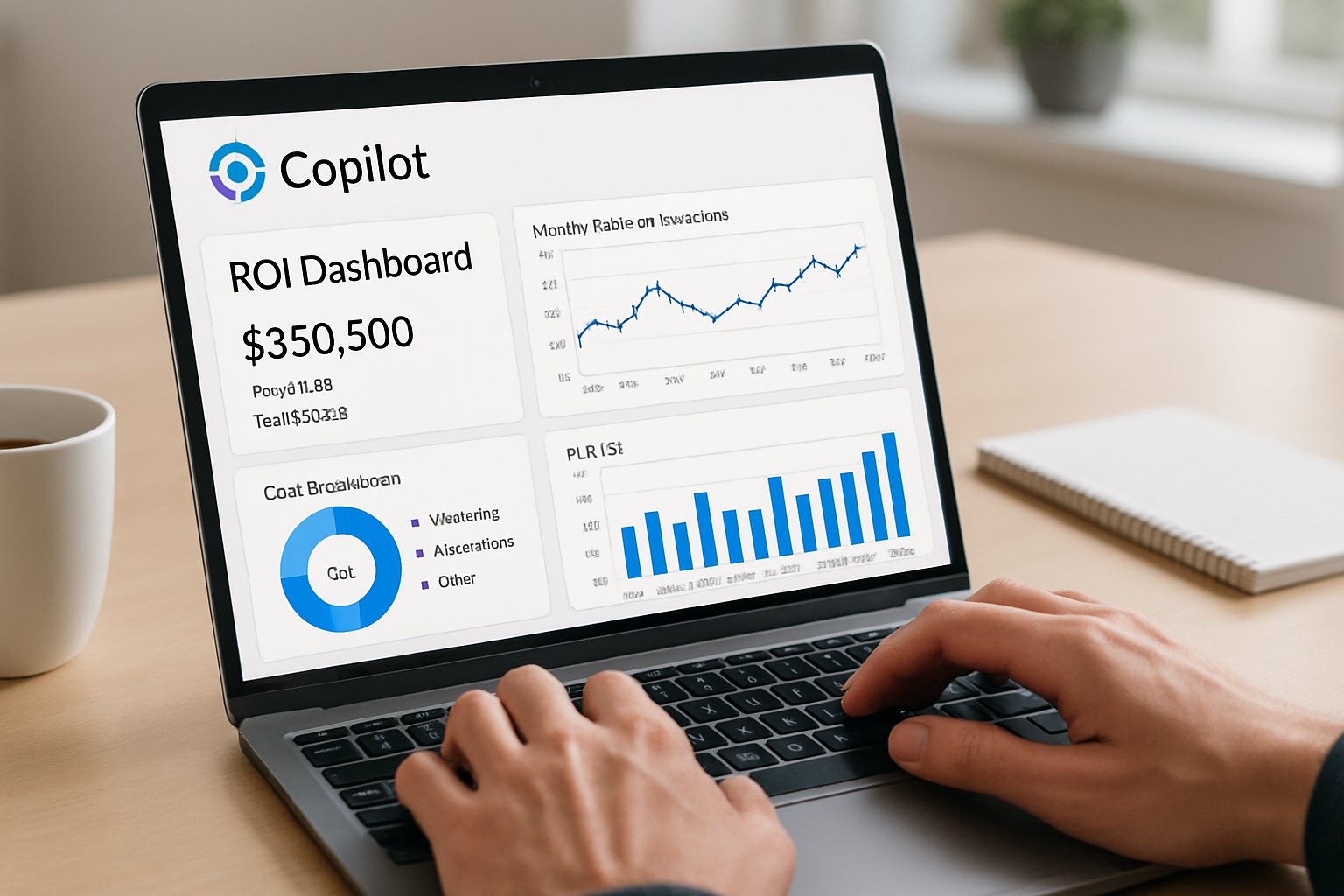
Copilot’s “Prepare” cards in Outlook surface relevant documents and meeting history. Meanwhile, Teams recaps export decisions to Word or Excel, ready for quick edits. However, sensitive content demands governance. Microsoft Purview and DLP for Copilot block uncontrolled sharing of “Highly Confidential” files. Hence, compliance teams sleep easier.
Key takeaway: Board workflows already align with Copilot capabilities. Secondly, ROI proof is public and persuasive.
Next, we design the perfect pilot.
Pilot Scope Design
A tight pilot secures executive trust. Target 50–200 users—mostly executive assistants, chiefs of staff, and finance liaisons. Adoptify’s AdaptOps Pilot tier matches this scale and timeframe. Furthermore, the pilot should run six to eight weeks, long enough to gather telemetry yet short enough for urgency. Microsoft Copilot Training sessions kick off week one, ensuring users hit the ground running.
- Include baseline time-tracking: pre-read creation hours, revision cycles, and approval rounds.
- Enable Copilot Dashboard plus Adoptify ROI widgets for live metrics.
- Brief legal and security teams on meeting-level Copilot controls.
- Bring Microsoft Copilot Consulting partners into backlog grooming sessions.
Commit to success metrics before launch. For example, aim for 60 minutes saved daily per power user, echoing Adoptify pilot benchmarks. Executive prompt engineering coaches refine prompts weekly to boost output quality.
Key takeaway: Clear scope, measurable goals, and cross-functional alignment underpin pilot victories.
With scope defined, governance becomes priority.
Governance Guardrails First
Regulated content makes board prep risky. Therefore, security leaders must configure Purview sensitivity labels and Copilot DLP policies before enabling features. Enforce transcript retention aligned with audit obligations. Additionally, restrict “Prepare” cards for meetings labeled “Closed Session.”
Double Key Encryption can shield merger documents from Copilot processing. Meanwhile, organizers can toggle Copilot availability per meeting. These controls appear in Teams settings today. Microsoft Copilot Consulting playbooks detail each toggle’s impact on privacy.
Adoptify recommends DLP simulations during the pilot to surface false positives. Consequently, remediation occurs before executives notice. Executive prompt engineering guidelines instruct users to cite sources and flag unverifiable claims, ensuring human review remains final.
Key takeaway: Robust guardrails build executive trust. Equally important, they prevent costly data leaks.
Armed with policies, teams craft prompts next.
Prompt Template Mastery
Templates accelerate repeatability. Craft prompts for pre-reads, slide decks, talking points, and Q&A forecasts. Each template demands grounding sources—financial models, risk memos, or previous minutes. Therefore, Copilot includes citations inside outputs. Microsoft Copilot Training materials should embed these templates directly into OneNote pages for easy reuse.
- Pre-Read Prompt: “Summarize attached files into two pages, include key metrics and citations.”
- Deck Prompt: “Create 10 slides with speaker notes, emphasize revenue trends, cite sources.”
- Q&A Prompt: “List five likely board questions with concise answers and references.”
Executive prompt engineering sessions refine tone and clarity weekly. Moreover, multilingual boards benefit from prompt localization using Azure AI Translation. Consequently, global directors receive content in preferred languages without manual work.
Key takeaway: Codified prompt libraries ensure consistency and curb hallucinations.
Next, we prove the business value.
Measure Value Fast
Data beats anecdotes. Adoptify ROI dashboards track minutes saved, adoption lift, and DLP-blocked incidents. Subsequently, stakeholders view a living business case. Pair these insights with Forrester TEI methodology for CFO credibility.
Telemetries to capture include:
- Time to assemble first pre-read draft.
- Revision cycles per board pack.
- Number of manual slide edits.
- Sensitive content blocked by policy.
Microsoft Copilot Consulting teams often present week-four readouts showing 30% time reductions. Moreover, executive prompt engineering improvements typically cut revision loops in half. Therefore, momentum builds organically.
Key takeaway: Visible, quantified impact secures budget for scale.
Scaling demands skilled people.
Microsoft Copilot Training Essentials
Formal skilling converts curiosity into competence. Adoptify delivers microlearning tips inside Teams, alongside one-hour live labs. Each module covers security reminders, prompt tuning, and troubleshooting. Furthermore, champions curate success stories, reinforcing cultural change.
Training cadence matters. Schedule weekly refresher nudges highlighting new Copilot roadmap features. Additionally, align sessions with upcoming board cycles so learners directly apply skills. Microsoft Copilot Training content should reference recent board materials to keep context familiar.
The program partners with Microsoft Copilot Consulting specialists for deep dives. Meanwhile, executive prompt engineering mentors coach C-suite members privately, avoiding public discomfort.
Key takeaway: Continuous, role-based skilling sustains adoption and mitigates risk.
Finally, let’s summarize.
Training Drives Adoption
Behavior change happens through practice. Therefore, embed prompts in workflows, not wikis. Adoptify’s in-app guidance displays contextually when users open PowerPoint or Outlook “Prepare” cards. Consequently, knowledge becomes action.
Gamified leaderboards showcase minutes saved, sparking friendly competition. Moreover, dashboards reveal lagging users, allowing targeted coaching. Microsoft Copilot Training remains a standing agenda item in leadership check-ins, reinforcing priority.
Executive prompt engineering patterns evolve constantly. Hence, a community channel lets assistants share winning examples. Microsoft Copilot Consulting advisors moderate, ensuring accuracy.
Key takeaway: Sustained reinforcement cements productivity gains.
We now conclude with next steps.
Conclusion
Board-meeting preparation no longer requires marathon hours. Microsoft Copilot Training, supported by strong governance and smart prompts, streamlines the entire cycle. Enterprises that pair technology with disciplined measurement unlock rapid ROI.
Why Adoptify AI? The AI-powered platform delivers interactive in-app guidance, intelligent user analytics, and automated workflow support. Therefore, organizations achieve faster onboarding, higher productivity, and enterprise-grade security at scale. Explore how Adoptify AI elevates your Microsoft Copilot Training journey by visiting Adoptify.ai.
Frequently Asked Questions
- What is Microsoft Copilot Training and how does it streamline board meeting preparation?
Microsoft Copilot Training turns raw data into polished board materials, automating agendas and note capture. This process saves time, supports digital adoption, and ensures secure, enterprise-grade workflow management. - How does Adoptify AI support efficient digital adoption during board preparations?
Adoptify AI provides in-app guidance, intelligent user analytics, and automated workflow support that enhance digital adoption and streamline board prep processes while ensuring compliance and reducing manual work. - What measures ensure robust governance and data security in Copilot training?
Security is maintained using Purview sensitivity labels and DLP policies that restrict unauthorized sharing. These controls uphold compliance and confidentiality, critical for today’s enterprise workflow solutions. - How can prompt templates improve efficiency in board material creation?
Prompt templates standardize preparations for pre-reads, decks, and Q&A sessions, reducing revision cycles and manual edits. This feature enhances workflow intelligence and saves time by ensuring consistent content generation.

FEATURED
How to Identify and Overcome Cultural AI Adoption Barriers
March 3, 2026
FEATURED
What Are the Most Common AI Adoption Challenges for Businesses
March 3, 2026
FEATURED
The Complete Guide to Building an AI Adoption Framework for 2026
March 2, 2026
FEATURED
Who Owns the Intellectual Property in Enterprise AI Adoption
March 2, 2026
FEATURED
7 Reasons To Embrace AI-Native Architecture
March 2, 2026